
Cricut Design Space Layers Panel Example with Basic Cut Shapes
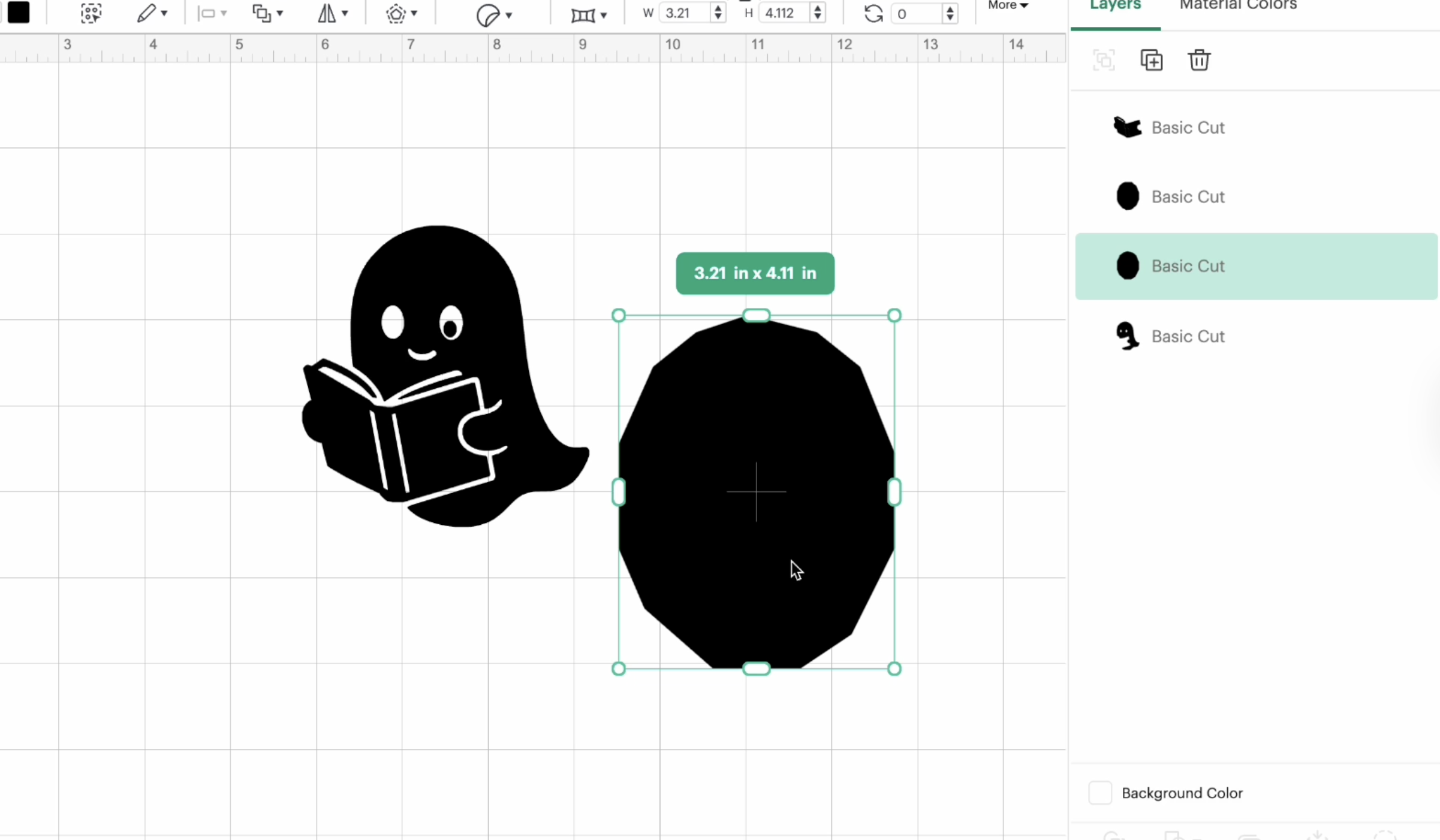
Cricut Design Space tutorial image demonstrating how multiple cut layers appear in the Layers panel. The workspace shows a ghost holding a book next to a geometric shape, each set as Basic Cut objects. This illustrates layer organization and selection when working with multiple shapes in Cricut projects.