Skip to content
Dinosaur Mama
  • Home
  • About Dinosaur MamaExpand
    • About
    • Privacy Policy
  • Commercial Use Info
  • BlogExpand
    • All Posts
    • My Favorite Crafts
    • Cricut Design Space
    • Paper Flowers
  • Free SVG CategoriesExpand
    • Community Vault Free SVG Files
    • All Free SVG Links
    • How to Download Files
Facebook Instagram Pinterest YouTube TikTok
  • Paper CraftsExpand
    • Paper FlowersExpand
      • Flowers of the Month
      • All Paper Flowers
    • 3D SVG Files
    • Card Making
    • Cake Toppers
  • CricutExpand
    • Cricut Design Space
    • Craft Tools
    • Fonts
    • Vinyl Crafts
    • Heat Transfer Vinyl
    • Stickers
  • HolidaysExpand
    • Valentine’s Day Crafts
    • Easter Crafts
    • Halloween Crafts
    • Christmas Crafts
  • More CraftsExpand
    • Silhouette
    • Laser Crafting
    • General Crafting
    • Product Reviews
    • Craft Room Organization
    • Dollar Tree Crafts
    • Upcycle
  • Shop My Favs
Dinosaur Mama
Dinosaur Mama
Home / Cricut Design Space

Cricut Design Space

  • Cricut Guided Flows tutorial graphic showing Dinosaur Mama pointing toward the title how to use the new updates in Cricut Design Space

    Cricut Guided Flows: How to Use the New Updates

  • Finished Cricut business card made with Print Then Cut

    Cricut Business Cards: Folded Card Step by Step Tutorial

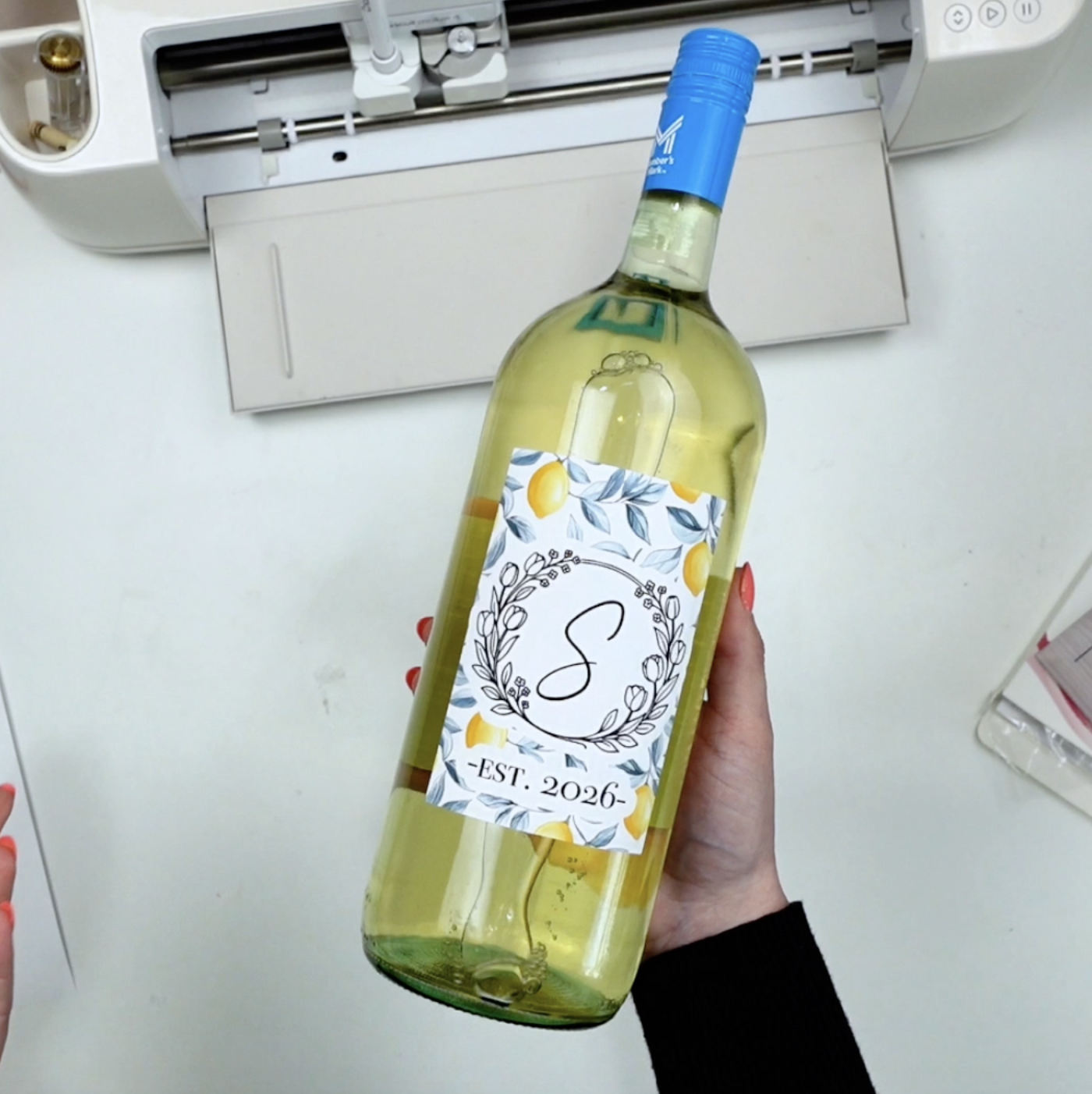
  • finished cricut wine label with monogram and floral design applied to wine bottle

    Cricut Wine Label Tutorial with Free Monogram Images

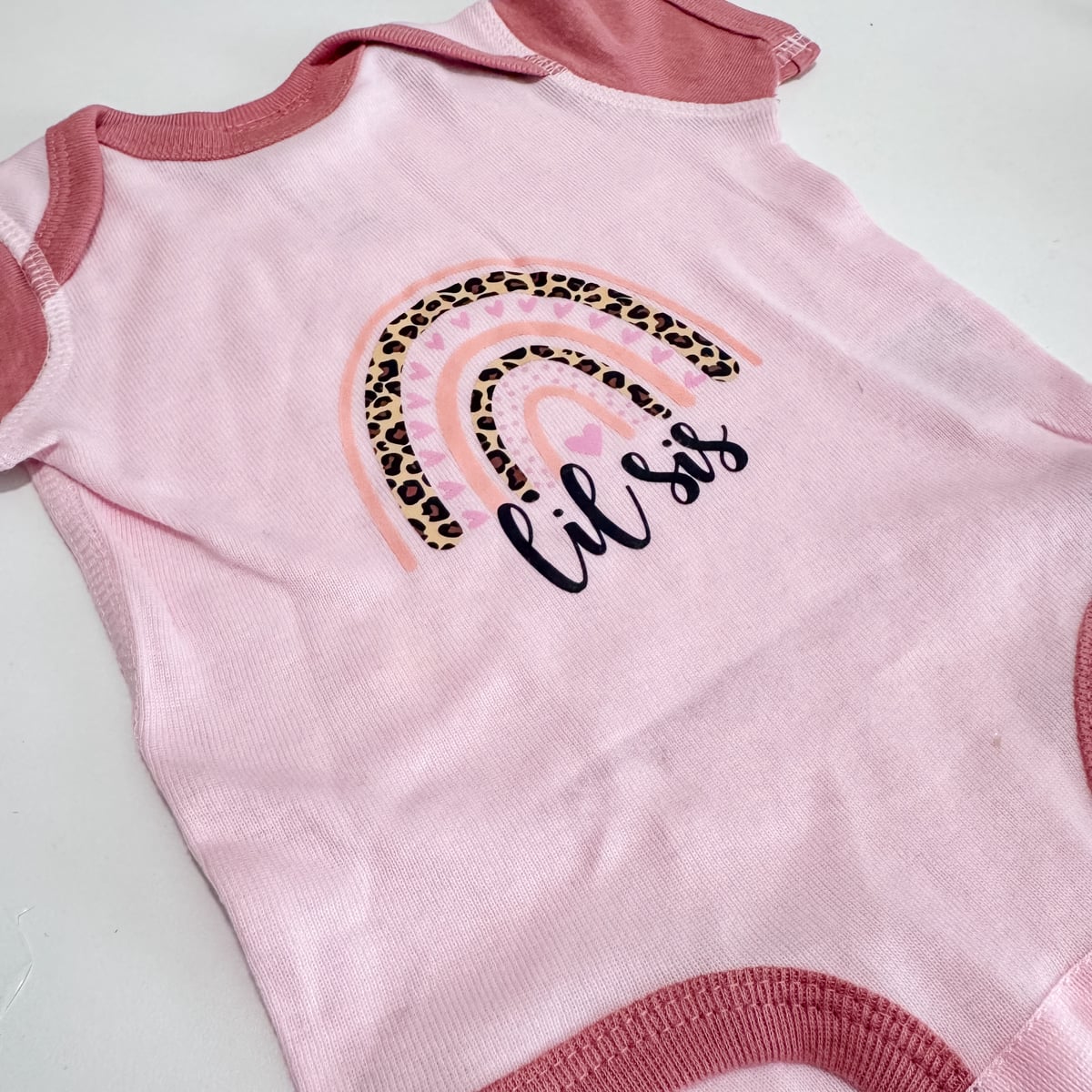
  • Finished baby onesie with lil sis rainbow design made using Cricut DTF transfer on pink cotton fabric.

    Cricut DTF Transfers Explained: An Honest Review & Tutorial

  • Cricut foil transfer sheets in gold, teal, and pink next to finished heart samples showing bold, medium, and fine foil transfer results on white cardstock.

    Cricut Foiling Tool: Is This Kit Worth It? A Truthful Guide

  • An acrylic sign made with a Cricut using acrylic markers. It has a pink painted background with a baby name and chart on the front.

    How to Make Acrylic Signs with Cricut using Acrylic Markers

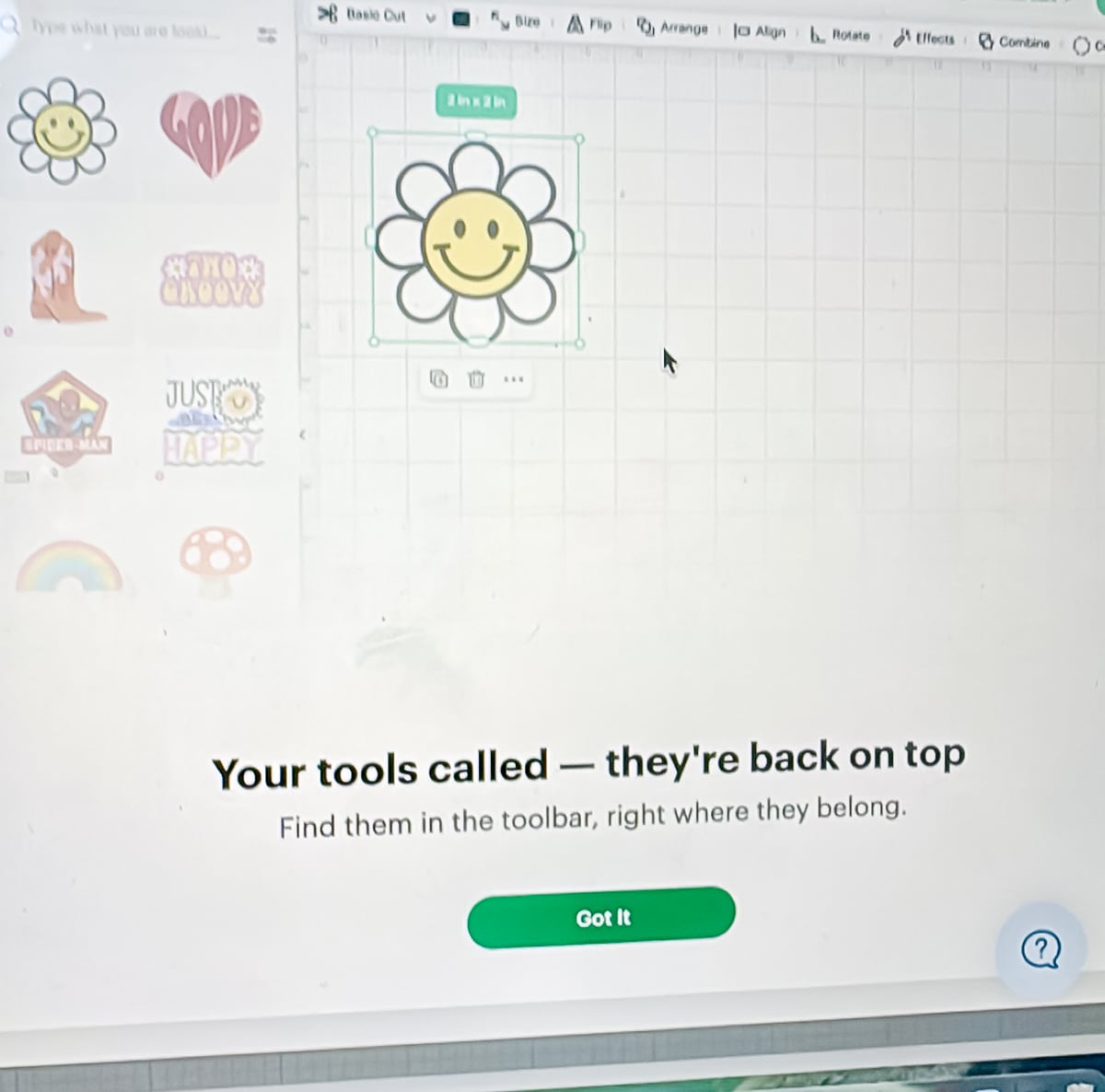
  • Cricut Design Space Edit panel showing font tools, alignment, wrap on, letter spacing, line spacing, and ungroup letters options for text.

    Cricut Design Space Update 2026: Where Did Everything Go?

  • Detailed close-up of Cricut engraving lines on a metal cake server showing the monogram and frame.

    Engrave a Cake Server with Cricut | Step by Step Tutorial

  • Cricut Design Space Part 2 tutorial screenshot showing the canvas and toolbar in Cricut software.

    Cricut Design Space Tutorial Part 2 | Canvas Tools Explained

  • Cricut Design Space screenshot showing the Create AI Images panel with the prompt “cute ghost reading a book” and a generated black silhouette of a smiling ghost holding an open book.

    Cricut AI Generator: How to Use + Limitations Explained

  • Cricut Angel Policy & Terms of Use Updated | A Brief Guide

    Cricut Angel Policy & Terms of Use Updated | A Brief Guide

  • A Cricut Maker 4 in seashell on a white desk.

    Cricut Design Space for Beginners 2025 Tutorial: Part 1

Page navigation

1 2 3 Next PageNext

Never miss a craft

Subscribe below to receive the latest crafty info and password to the community SVG vault!

Looking for something?

Search
Facebook Instagram YouTube Pinterest TikTok Email

Categories

  • Crafty Index
  • Privacy Policy

© 2026 Dinosaur Mama - WordPress Theme by Kadence WP

  • Home
  • About Dinosaur Mama
    • About
    • Privacy Policy
  • Commercial Use Info
  • Blog
    • All Posts
    • My Favorite Crafts
    • Cricut Design Space
    • Paper Flowers
  • Free SVG Categories
    • Community Vault Free SVG Files
    • All Free SVG Links
    • How to Download Files