
xTool DTF Printer Review: Overview, First Print, & Thoughts


If you’ve been thinking about getting into DTF printing, I totally get the curiosity… because I was right there with you.
This xTool DTF printer review is my real, honest, first-week experience using the machine: no fluff, no overly technical breakdowns, just what it’s actually like to get this thing into your craft room and start printing.
And let me just say… this is a powerful machine, but there is definitely a learning curve.
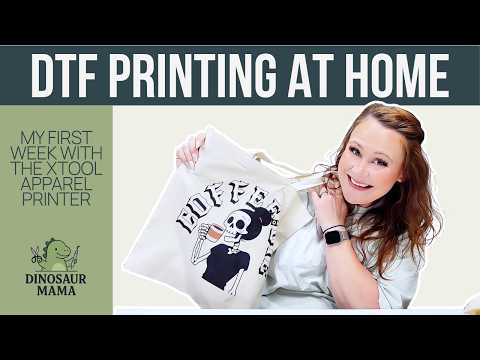
My First Impressions of the xTool Apparel Printer
This blog may contain affiliate links, which help me earn a small commission at no extra charge to you. Read my full disclosure here.
When I say this thing is big… I mean it.
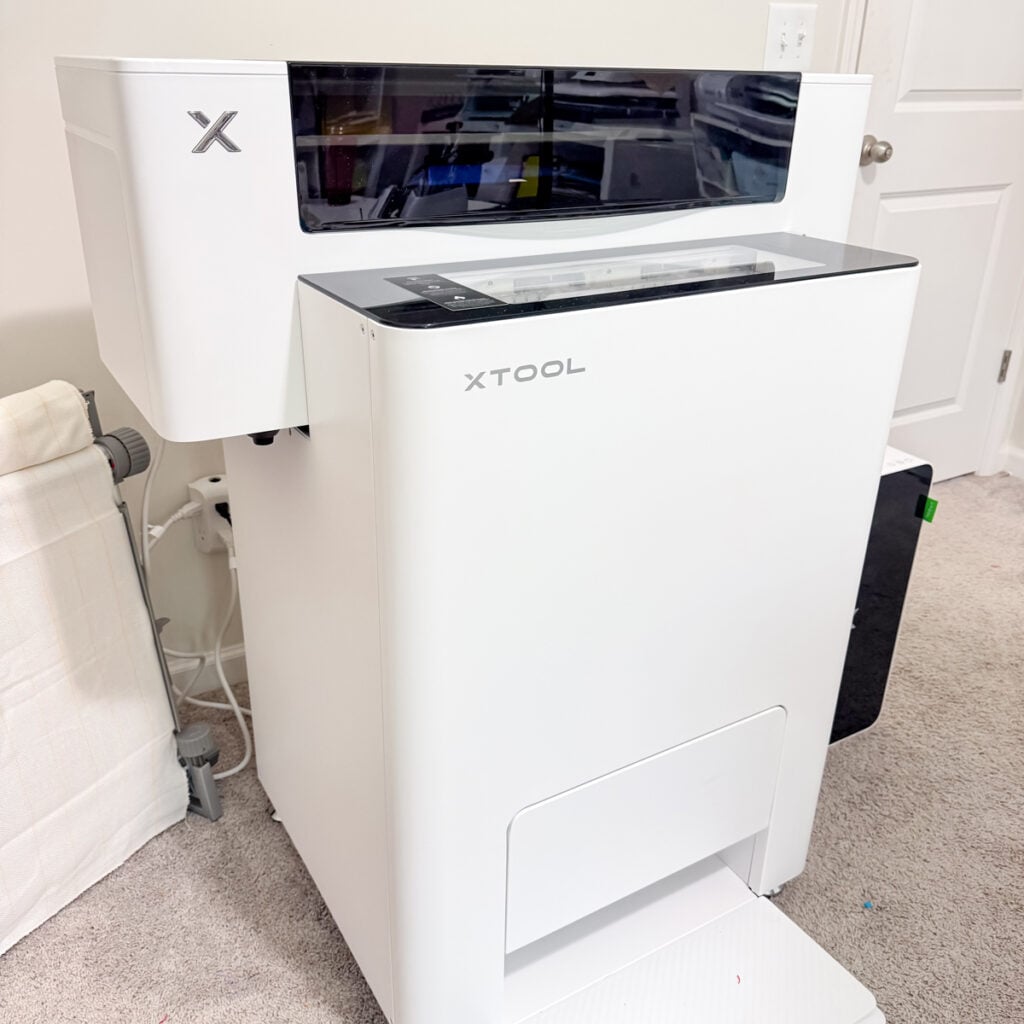
The xTool apparel printer showed up on a freight truck, and it weighs about 400 pounds. It’s basically the size of a washer and dryer setup, especially if you go with the full bundle that includes the shaker oven, air purifier, and everything else.
Right away, you can tell this is not your average cheaper printer… this is designed for serious crafters and small businesses looking to create pro-level shirts, custom gifts, and even launch a clothing line.
👉 If you want to check the exact bundle and pricing, you can see it here!
At the time of writing, the retail price is:
- $5,599 for the standalone
- $8,299 for the versatile bundle
- $9,199 for the all-in-one bundle
So yes… this is an investment. But depending on your goals and profit margins, it could absolutely be a game-changer.
What Comes With the New xTool DTF Printer
The new xTool DTF all-in-one printer setup I received included:
- The main printer
- The shaker oven
- A full CMYKW ink set
- Adhesive powder
- Printed film roll
- Cleaning kit + moisturizing liquid
- SafetyPro air purifier
This is where I feel like the xTool apparel printer really stands out: it’s a true all-in-one system.
A lot of other DTF setups require separate machines, more manual steps, and honestly… more stress. This setup is built to streamline the process and improve ease of use, which I really appreciated as someone brand new to DTF transfers.
Ease of Use & Setup (Beginner Perspective)
Let’s talk about ease of use, because this is where I was the most nervous.
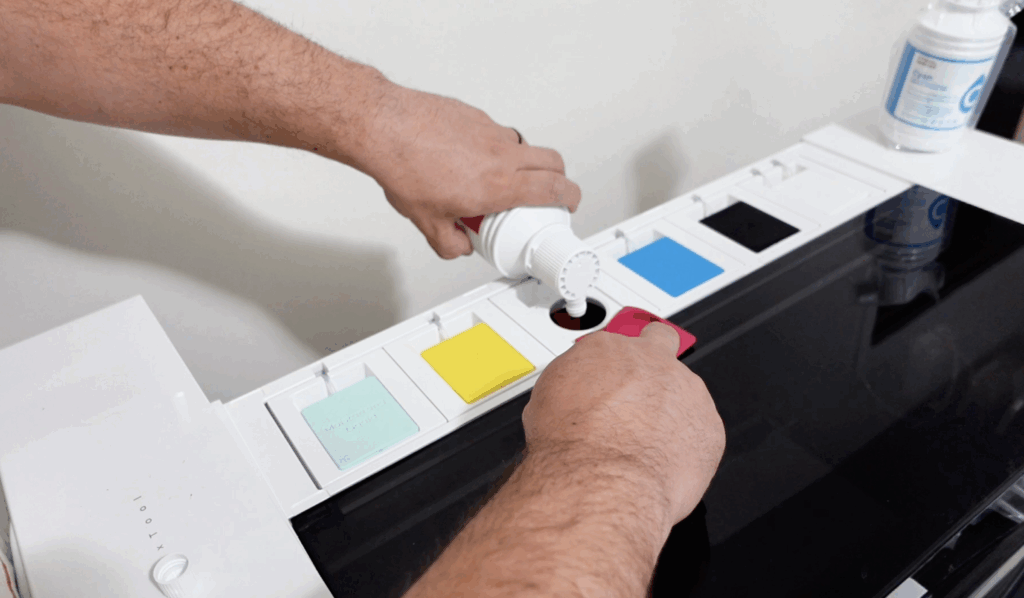
I’m not going to lie… my anxiety was HIGH setting this up. I was convinced I was going to put the wrong ink in the wrong slot (and I made my husband do it).
But here’s the thing…
The xTool Creative Space interface and the machine itself walk you through everything step by step. It’s very beginner-friendly, even if it feels overwhelming at first.
This is not a full setup tutorial, but from my hands-on experience, the process was:
- Set up machine (attach printer to oven if needed and filter)
- Fill inks
- Charge inks
- Run calibration
- Connect to software
Simple in theory… but calibration? That’s where things got tricky.
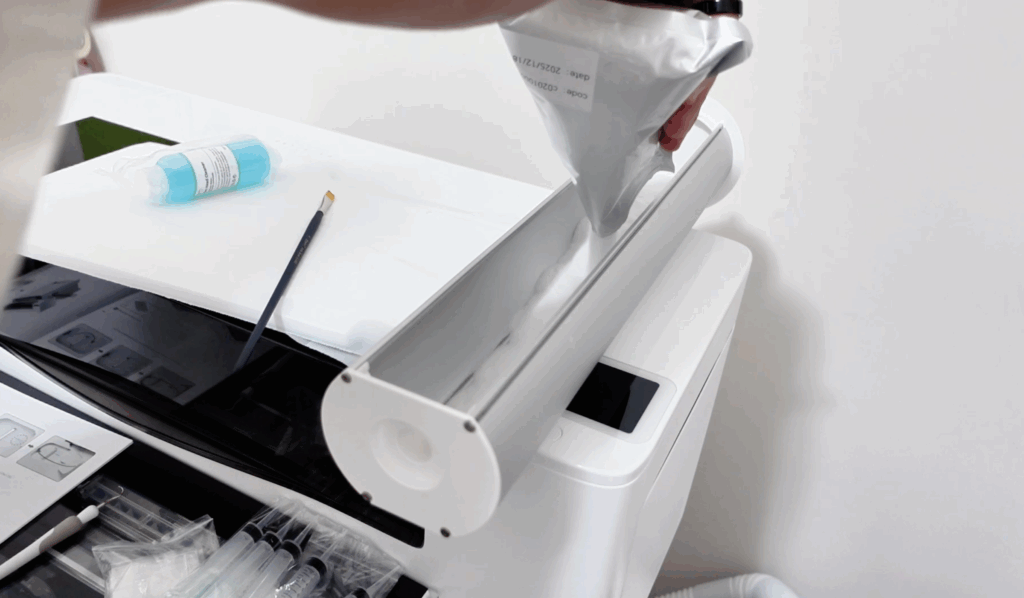
Calibration & What I Struggled With
This is probably the biggest learning curve so far.
During this xTool DTF printer review, I ran calibration multiple times, and even when everything looked right, the machine still flagged issues.
This comes down to:
- Ideal settings not being perfect yet
- Film not being perfectly aligned
- Tiny adjustments that actually matter
And this is where best practices come in. DTF printing is one of those things where small details = big differences in print quality.
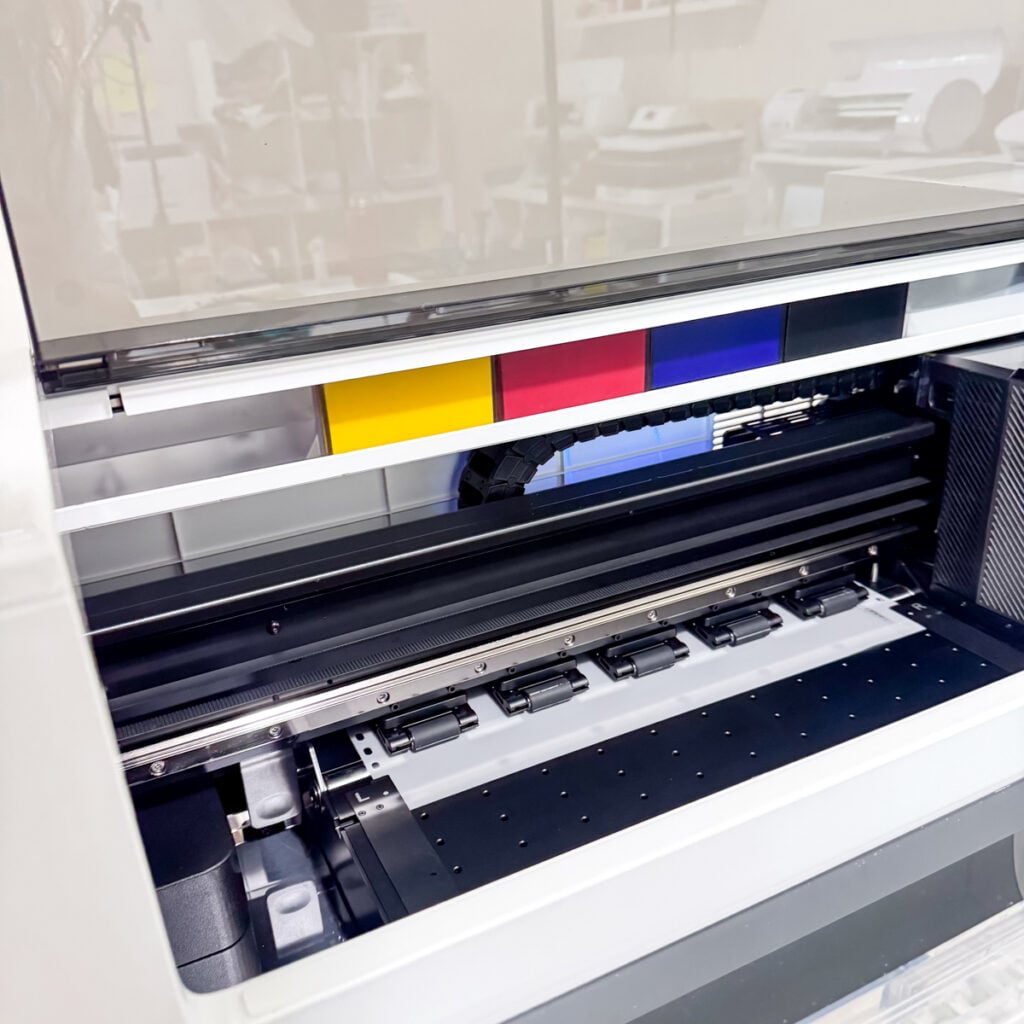
That said, I didn’t let it stop me…
I ignored the warning (classic me) and ran my first print anyway.
My First DTF Transfers (And What Happened)
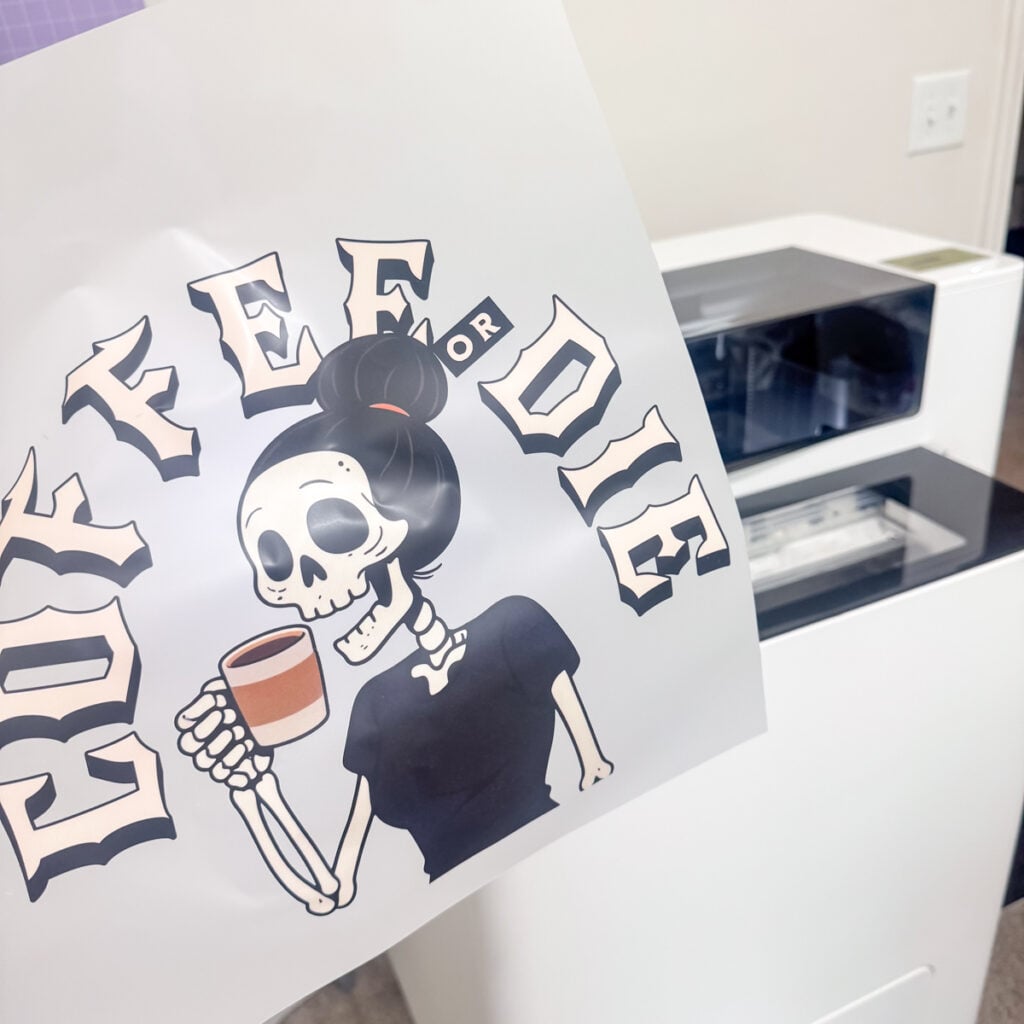
Watching the process was honestly SO cool.
Here’s how it works:
- The design prints in color
- White ink is layered on the back
- Adhesive powder is applied automatically
- The shaker oven cures everything
The fact that this system handles adhesive powder, curing, and drying all in one is a huge win.
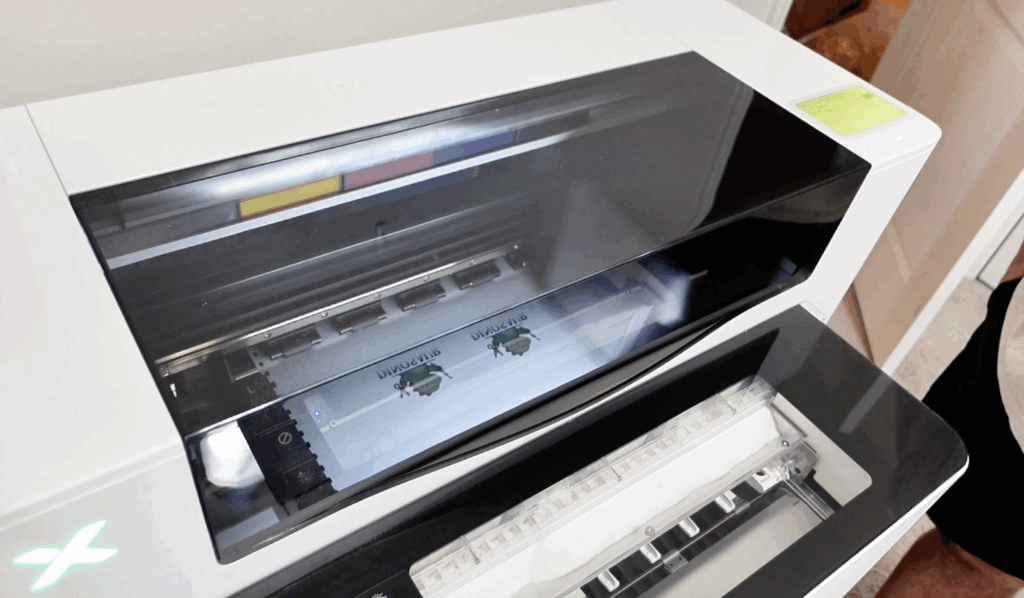
My first print?
Not perfect, but still really good.
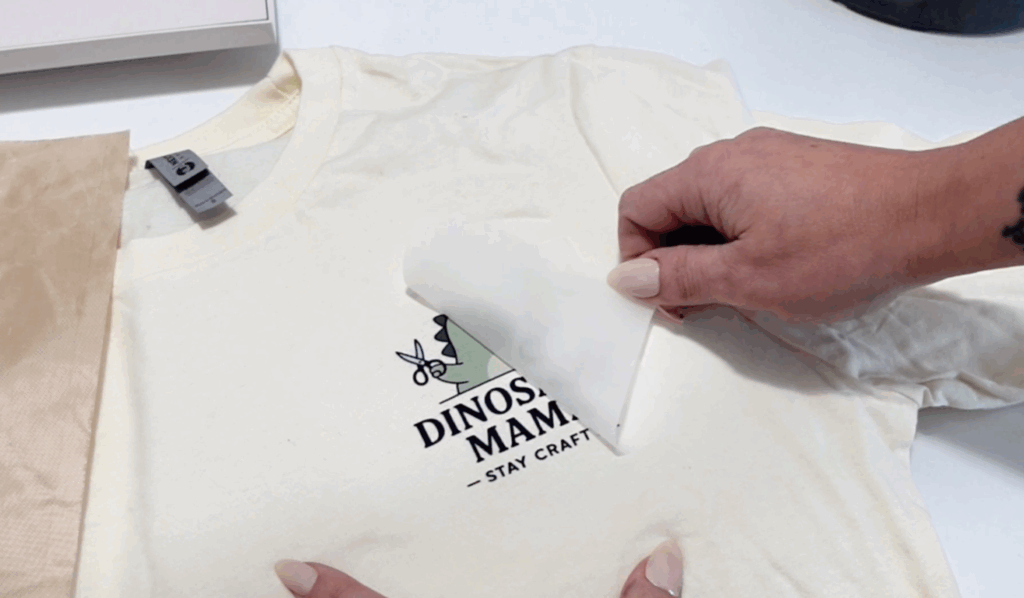
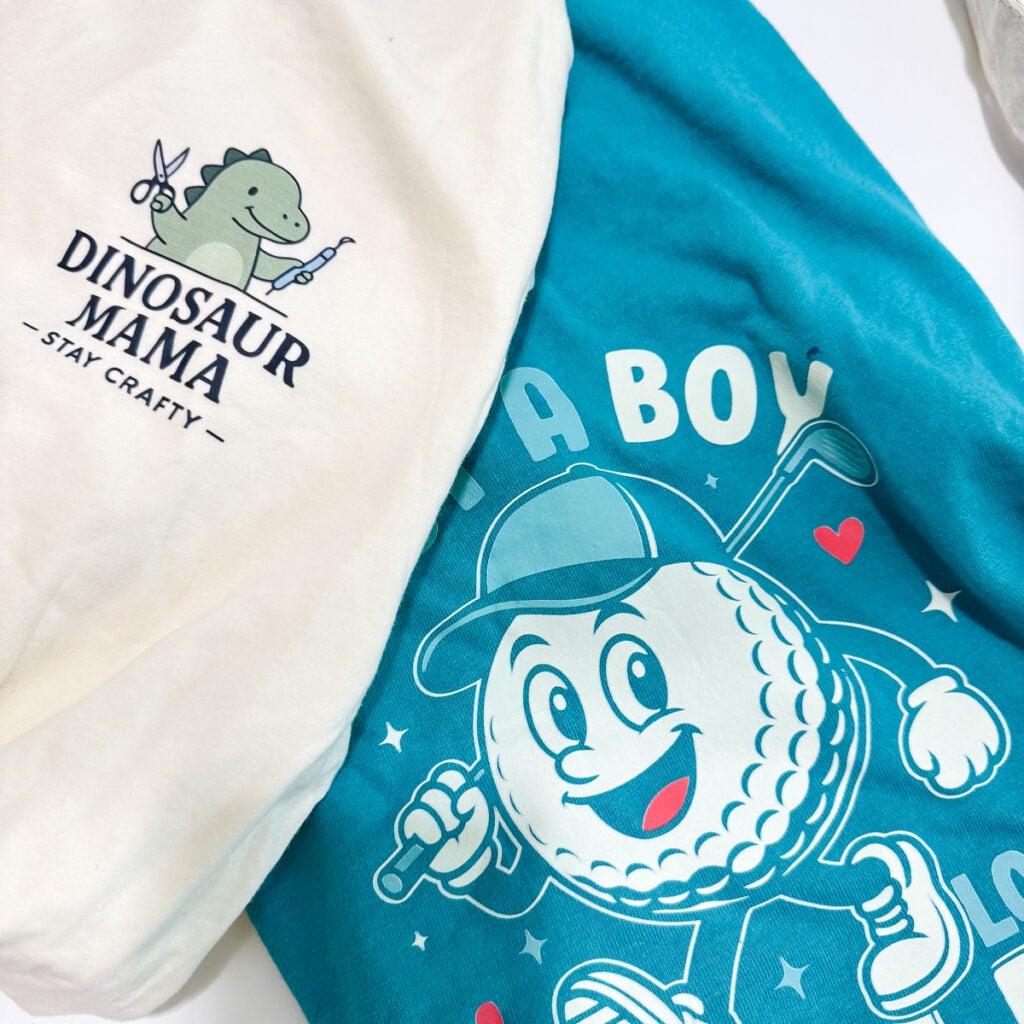
The vibrant colors were there, and the overall print quality was impressive for a beginner run. I pressed it onto a shirt, and it held up great, even after handling and light testing.
Let’s Talk About the Software (xTool Creative Space)
The xTool Creative Space software is honestly one of the easiest parts of this entire process.
It’s not overly complicated, and for someone like me who already uses design programs, it felt very intuitive.
You can:
- Upload designs (great for uploading & non-users)
- Resize easily
- Adjust DPI and resolution
- Use built-in tools (including an AI generator)
It’s not meant to replace design software completely, but as an in-one software system for printing, it does its job really well.
Safety (Especially Important for Me)
I have to talk about this part because it matters a LOT to me right now.
I’m currently pregnant, so safety is my biggest priority.
The included air purifier with the xTool apparel printer has been amazing. It pulls out the smell completely, and I always:
- Keep a window open
- Wear a respirator
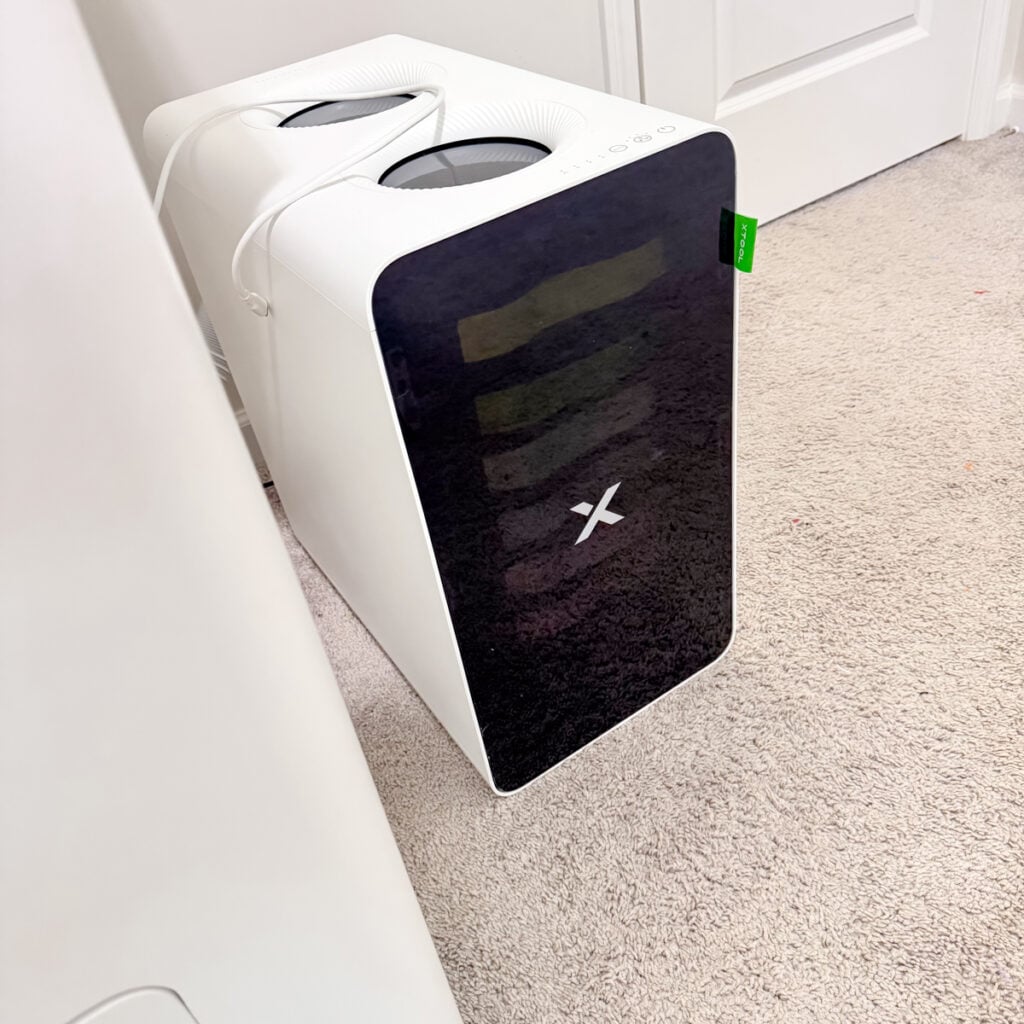
Between the purifier and airflow, I feel comfortable using it, which is huge.
The system also includes features like an innovative fire safety set and automatic fire suppression, which gives extra peace of mind when working with high temperature curing.
What I Love So Far
After my first week, here’s what stands out in this xTool DTF printer review:
- True all-in-one system
- Strong ease of use for beginners
- Minimal daily maintenance thanks to xTool’s auto-cleaning
- Beautiful, sharp prints
- Great for scaling small businesses
- Endless potential for custom gifts, tote bags, and more
This really feels like a top pick for someone serious about DTF printing.
What I’m Still Learning
Let’s be real: this isn’t plug-and-play perfection (yet).
I’m still working through:
- Calibration and ideal settings
- Perfecting consistency for higher resolution prints
- Avoiding ink smudging
But honestly… that’s part of the process.
Every print gets better, and the learning curve feels worth it.
Is It Worth It?
So… is this the right machine for you?
If you’re a hobby crafter, this might feel like a big jump from your current setup.
But if you are:
- A small business owner
- Looking to increase profit margins
- Wanting to create handmade products at scale
- Ready to invest in a powerful machine
Then yes… this could absolutely be a game changer.
This xTool DTF printer review is just my first week, but I already see the potential.
Final Thoughts
I’m genuinely excited about this machine.
It’s not perfect, and I still have a lot to learn, but the foundation is there. The xTool apparel printer is designed to grow with you, and I can already tell it’s going to open up so many endless creative ideas in my craft room.
If you’re on the fence, my biggest advice is this:
Give yourself time to learn it.
Because once you do… the possibilities are huge.
Want access to my free files, tutorials, and new craft ideas?
Make sure you sign up for my newsletter so you can get into my Community Vault and stay up to date with everything I’m creating!




Thank you for your review. I found it very informative! I am just a hobbyist and do HTV periodically. I had wanted to dabble in creating my own screens for screen printing, however I think the DTF may be better because of the multiple colors. Is there any DTF setups that are out there that would be geared towards a hobbyist and more cost effective? Spending multiple of thousands of dollars on a setup is feasible for someone like me. Plus I think my husband would divorce me if I did! lol
I love your content so keep it up!
Hello! Thanks for the review. We’re about to fork out the cash for this same machine for our small business and I’m just wondering if you have any updates? All good or any big issues?
I have been meaning to answer this! I apologize. Its been great just a learning curve. The fact that I don’t need to worry about maintenance and running it daily is what I love.