
Cricut StickerPix Review: Everything You Need to Know Before Buying


This post contains affiliate links, which means I may earn a small commission if you purchase through my links at no additional cost to you. The machines featured in this post were gifted to me by Cricut. All opinions are my own.
Cricut just released two new sticker machines, and I have my hands on both of them! Meet the Cricut StickerPix Print and the Cricut StickerPix Print + Cut. (<- Click to Shop)
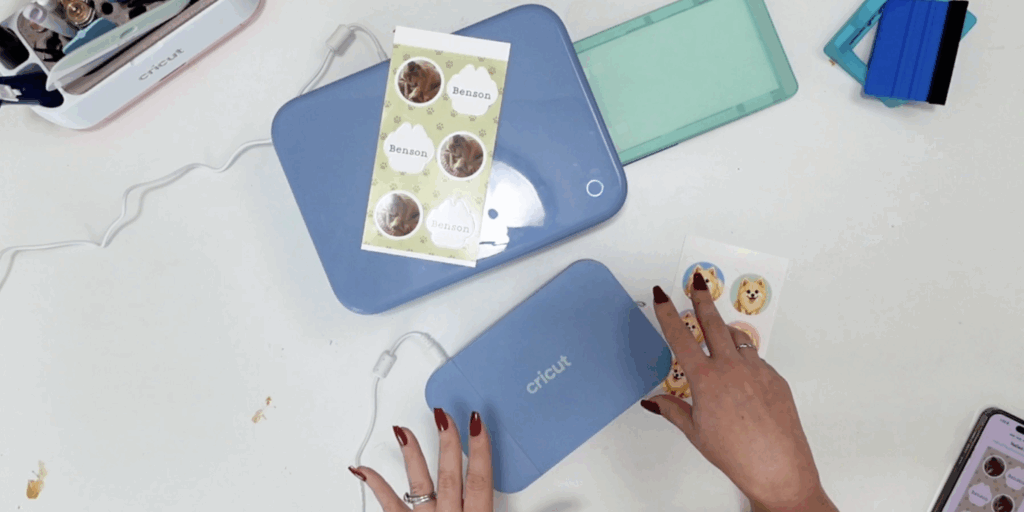
If you’ve been around here for a while, you know I’ve been teaching you how to use your Cricut machines for almost seven years. This is actually the first time Cricut has sent me machines directly to test, which is super exciting! The machines were gifted to me by Cricut, but all opinions in this review are my own.
And I definitely have some thoughts.
These machines are very different from the Cricut machines we’re used to. One is essentially a compact sticker and photo printer, while the other combines printing AND cutting into one machine.
The idea is really cool, especially for someone who wants to make stickers without buying a separate printer and cutting machine. However, there are some limitations and ongoing costs I think you need to know about before deciding if either StickerPix is right for you.
Let’s get into it!

What Is the Cricut StickerPix Print?
The Cricut StickerPix Print retails for $169 and is the smaller of the two new machines.
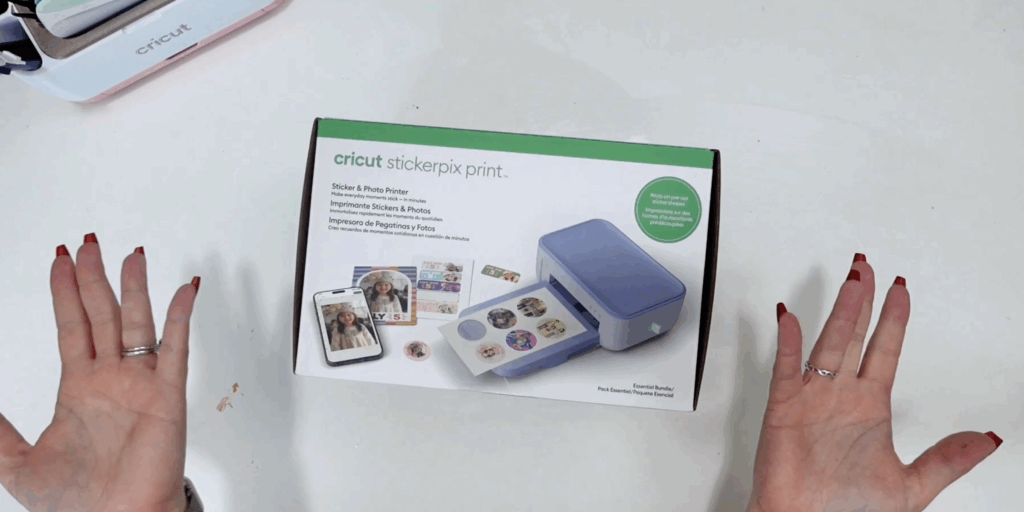
The important thing to understand is that this is NOT a cutting machine.
Instead, you load Cricut’s pre-cut sticker sheets or photo paper into the machine and create your design in Cricut Design Space. StickerPix then prints your design directly onto the material.
For stickers, Cricut offers pre-cut shapes including circles, rectangles and photo paper in a 4×7 size.
I was surprised by how compact this machine is. It reminds me of the size you would expect from the Cricut Joy family, so it doesn’t take up a ton of craft-room space.
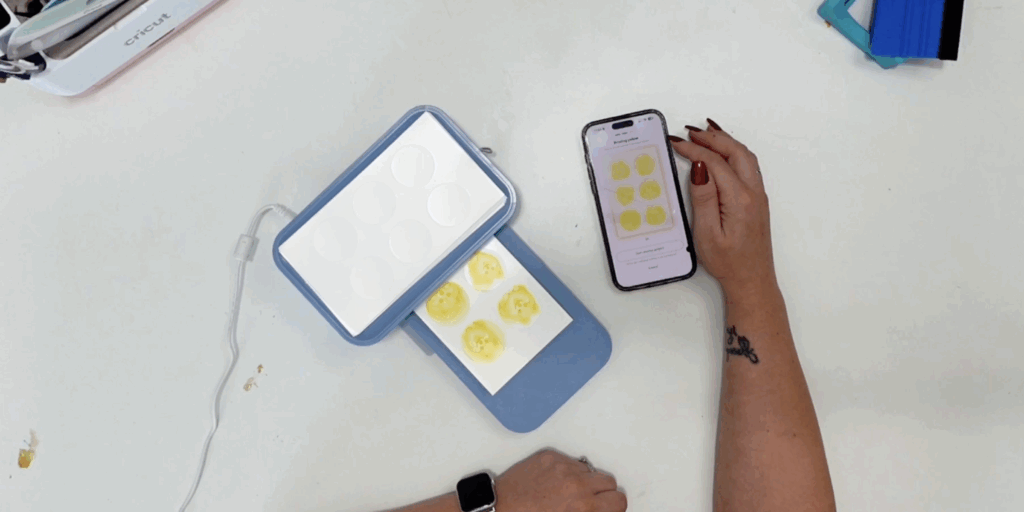
The machine also laminates your design as part of the printing process. When my first sticker sheet came out, it was completely dry and ready to use.
For someone who simply wants to make cute stickers, labels or small photos without dealing with a traditional printer, I can see the appeal.
The biggest limitation is obvious: it doesn’t cut.
You’re limited to the shapes and sizes of the pre-cut materials you load into it.
What Is the Cricut StickerPix Print + Cut?
The Cricut StickerPix Print + Cut retails for $299, and this is where things get more interesting.
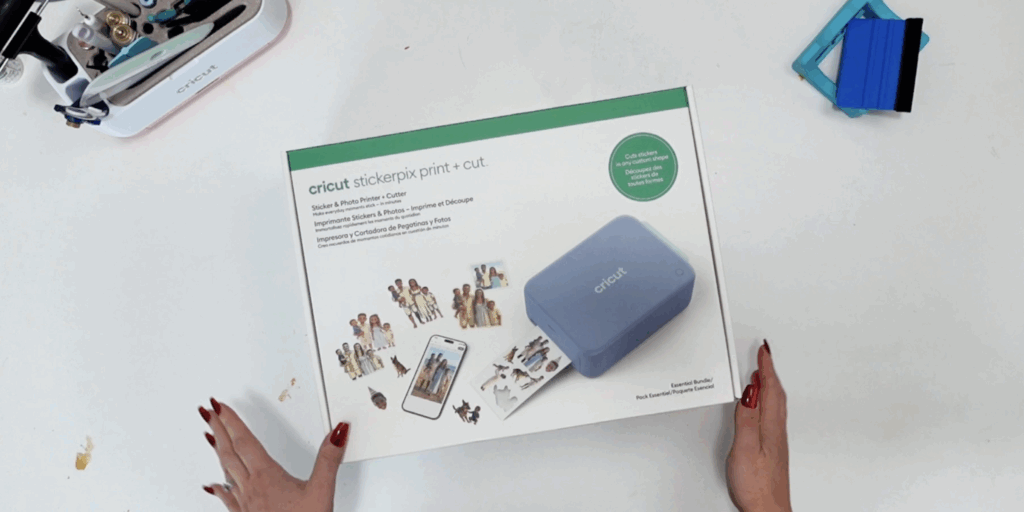
This machine combines a printer and cutting machine.
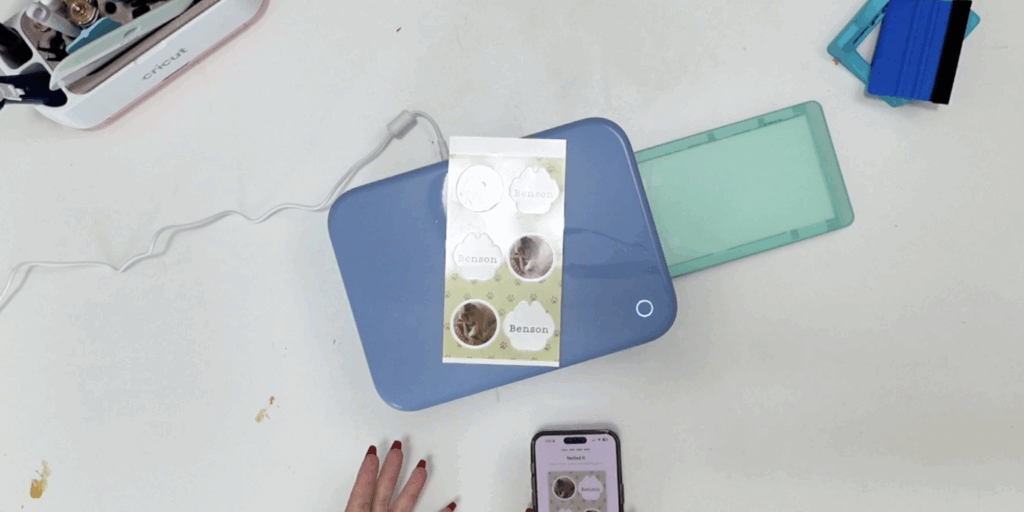
You load a full sticker sheet or photo paper into the machine, create your design in Design Space, and StickerPix handles the printing and cutting.
That means you don’t need to print something from your regular printer, transfer it to your Cricut, load a mat and then run Print Then Cut.
It’s essentially an all-in-one sticker-making system.
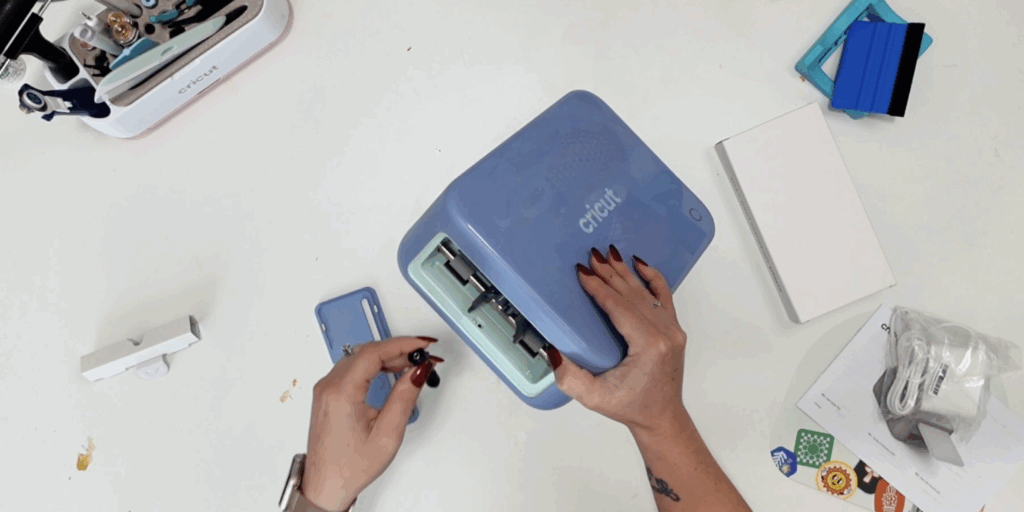
This machine is considerably larger than the StickerPix Print. When I unboxed them side-by-side, I was honestly surprised by the size difference.
One thing I really liked is that the Print + Cut doesn’t require a Cricut mat for these projects.
However, there is an important limitation.
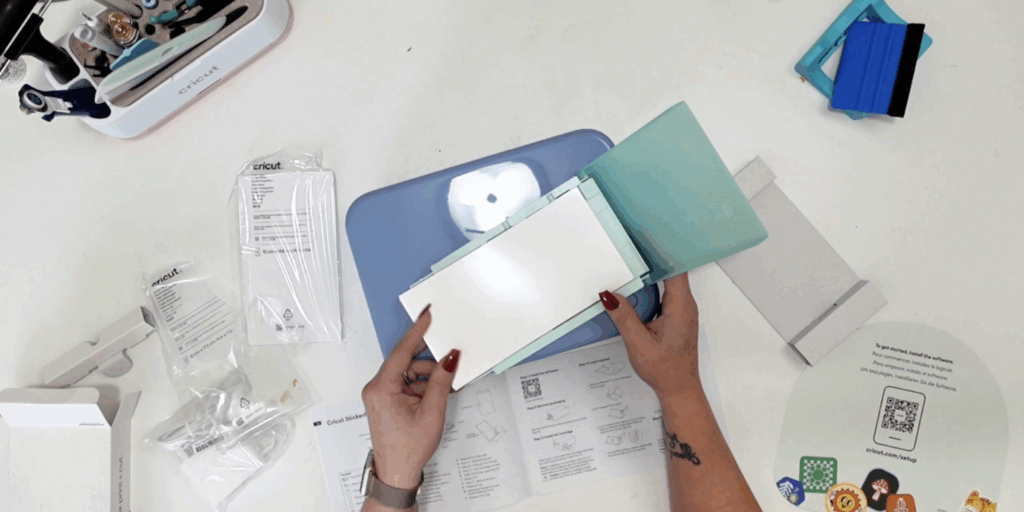
At least with the sticker projects I tested, you’re creating kiss-cut sticker sheets rather than individual die-cut stickers. You also don’t have the same control over cut settings that you would have with a traditional Cricut machine.
So if you’re expecting this to completely replace a Cricut Maker or Explore for sticker making, I wouldn’t look at it that way.
How Easy Is StickerPix to Use?
The setup itself was pretty simple.
Design Space walks you through installing the ink cartridge, loading your materials and connecting the machine.
I did run into a few hiccups during my first tests.
The StickerPix Print initially had trouble connecting because of my Wi-Fi network (5 vz 2.4 connection). I also ran into an issue while testing some of the Design Space sticker features on the Print + Cut.
Keep in mind that I tested these machines before their official release, so I was using beta software. Some of the software experience may change or improve after launch.
Once everything was connected, though, actually making the stickers was incredibly easy.
And watching the machine print each color layer, laminate the design and then, with the Print + Cut, cut the stickers was honestly really cool.
Let’s Talk About StickerPix Refill Prices
This is probably my biggest hesitation with the StickerPix machines.
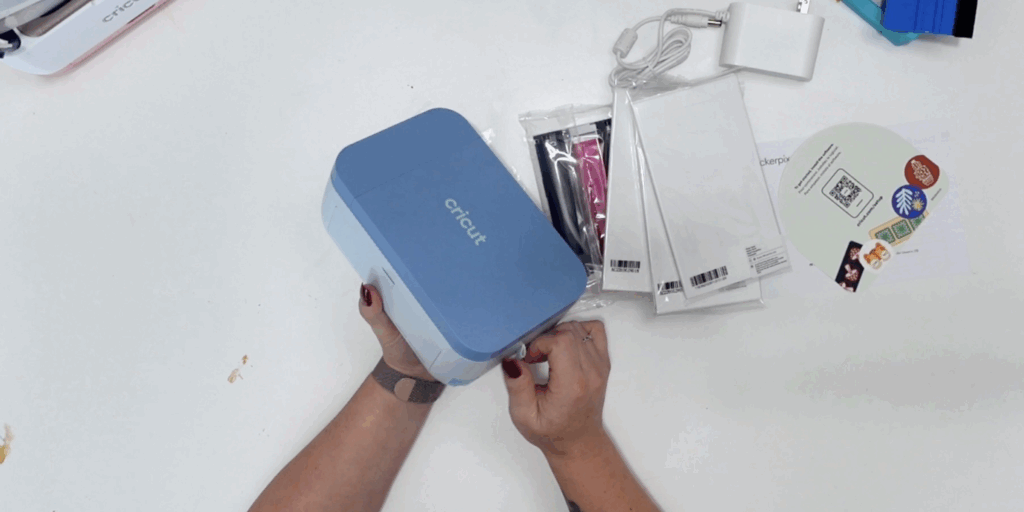
The machines themselves aren’t the only cost you need to consider. You also have to purchase the ink and materials to continue using them.
Here are the MSRP prices Cricut provided for the refill packages: (<- Click to shop)
StickerPix Print + Cut Sticker Sheets + 2 Ink Cartridges
72 sticker sheets: $47.99
Approximately $0.67 per print
StickerPix Print + Cut Photo Paper + 2 Ink Cartridges
72 photo sheets: $37.99
Approximately $0.53 per print
StickerPix Print + Cut Sticker Sheets + Photo Paper + 2 Ink Cartridges
36 sticker sheets + 36 photo sheets: $42.99
Approximately $0.60 per print
StickerPix Print + Cut Sticker Sheets + Photo Paper + 1 Ink Cartridge
18 sticker sheets + 18 photo sheets: $24.99
Approximately $0.69 per print
For the smaller StickerPix Print:
StickerPix Print Sticker Sheets + Photo Paper + 1 Ink Cartridge
54 total sheets: $27.99
Approximately $0.52 per print
StickerPix Print Pre-Cut Sticker Sheets + 1 Ink Cartridge
54 prints: $32.99
Approximately $0.61 per print
In my opinion, these packages are pricey for the amount of material you’re getting.
You’re looking at roughly $0.52 to $0.69 per print depending on the package you purchase.
And remember, that’s your supply cost before considering the original $169 or $299 machine purchase.
So, Is Cricut StickerPix Worth It?
I think this completely depends on who you are and how you’re planning to use it.
What you’re really paying for with StickerPix is convenience.
You don’t need to figure out which printer to buy. You don’t need separate ink and sticker paper. With the Print + Cut, you don’t need to move your printed design over to another machine to cut it.
Everything works together in one ecosystem.
For a beginner who just wants to make sticker sheets for fun, that could be incredibly appealing.
I could also see the StickerPix Print being fun for teachers, classrooms, parents, planners and casual crafters who want an easy way to make labels, stickers and photos.
Where I have more hesitation is for someone planning to make stickers in large quantities or run a sticker business.
If you’re producing a lot of stickers, I would absolutely calculate your ongoing material costs and compare StickerPix with purchasing a traditional printer and Cricut cutting machine.
Convenience has value, but so does keeping your cost per sticker down.
Which Cricut StickerPix Would I Choose?
Between the two, I think it comes down to what you actually want to make.
If you just want something compact for printing cute pre-cut stickers, labels and photos, the $169 StickerPix Print is probably all you need.
If being able to create your own sticker shapes is important, the $299 StickerPix Print + Cut gives you considerably more flexibility.
Personally, I’m very curious to see where Cricut takes this technology next.
People have been calling Cricut machines “printers” for years, and I’ve always had to explain that Cricut machines CUT, they don’t print.
Well… now Cricut actually has a machine that does both.
Could we eventually see a full-size Cricut Maker-style machine with a built-in printer? I have no idea, but StickerPix definitely makes me wonder!
For now, I think these are fun machines with a very specific audience. I love how approachable Cricut has made the sticker-making process, but I would consider the refill prices and limitations before purchasing.


Thanks so much for the information on these new Cricut products. I really only came to check out your post because I was curious, since I don’t have a sticker business, but even if I did, I wouldn’t go this route. They both seem too expensive and limited. I can’t tell from your photos, but I think the size of the sticker sheets is fairly small, and wow, the prices for the machines and the refills are crazy, especially in this economy. I guess if someone doesn’t already have a Cricut machine, they might consider this, but why spend that much when you couple spend a little more for a Cricut machine (or even less, for a Joy) to do more than just stickers? I’d much rather use my Cricut, which I can use for any other projects, and buy sticker sheets, which I can get for much less than the Cricut ones. And since I have an HP printer and Instant Ink, I don’t have to worry about buying ink cartridges. Even with all of that, I think the cost of refilling the new Cricut printers would come out way more than what I spend now. I’d much rather Cricut put time and money into improving Cricut Design Space, since it continues to suck, despite the many, many updates. I’ve been sooo frustrated for a while now that I’ve been seriously considering investing in Silhouette’s software. I hear it’s much, much better, and I can just import the SVG’s into DS to cut.