
Ugly Christmas Sweater SVG Free Downloads for Cricut


I love a tacky sweater moment. Whether it’s for a holiday crafting night, a family party, or just a touch of festive fun in your craft room, ugly sweaters are a vibe. That’s why today, I’m sharing a big roundup of Ugly Christmas Sweater SVG Free downloads from talented designers across the crafting community. These are perfect for Cricut projects, t-shirt printing, mugs, totes, hoodies, and cozy DIY gifts made right at home.
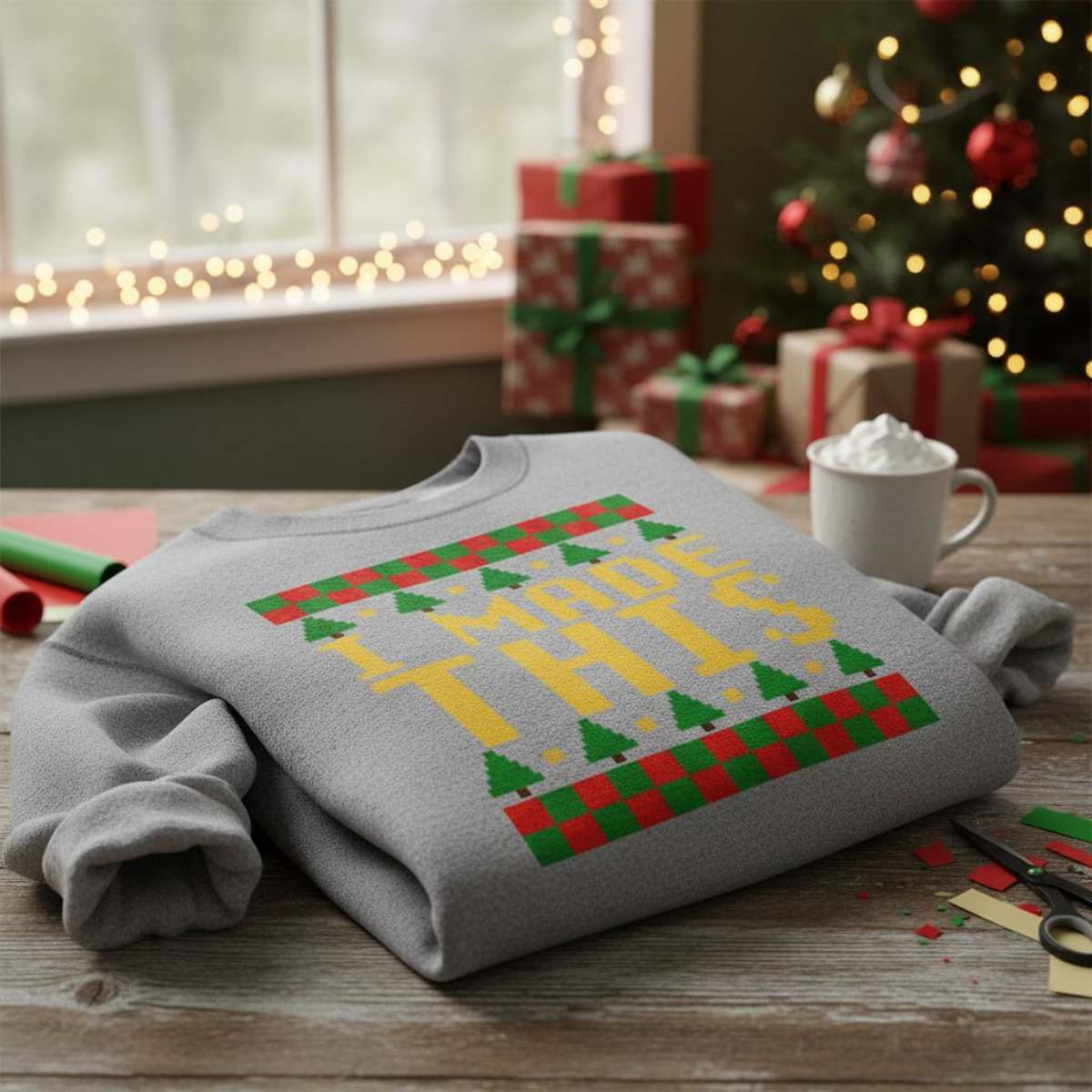
Before we jump into the list, I want to quickly share a bonus: I recently made a video showing how to design your own ugly sweater SVG using Inkscape.
If you’ve ever wanted to try making your own SVG designs instead of only downloading them, you’re going to be shocked at how easy it actually is. In my Inkscape tutorial, I walk you step-by-step through creating an ugly sweater design using nothing but basic squares and simple shapes. No fancy tools, no confusing settings, and no design experience needed. If you can drag, duplicate, and align shapes, you can make your own custom file in just a few minutes. It’s beginner-friendly, totally free software, and honestly a lot of fun once you get into it. I always like to say: if you can use Cricut Design Space you can use Inkscape and its completely free! Make custom Christmas crafts easily with your own SVG files.

Once you start with Inkscape, you will have endless creative possibilities, you can sell SVG files or start a blog like mine with freebies! Plus I have more Inkscape tutorials for you to dip your toes into here. You’ll be a pro in no time!
Check out all of my Christmas themed SVG file downloads and here: you’ll find extra projects!
Why Crafters Love Ugly Sweater Designs
There’s something nostalgic about pixel-style sweaters, bold patterns, and cheesy sayings. These designs are perfect for cutting machine users because they’re easy to customize and resize.
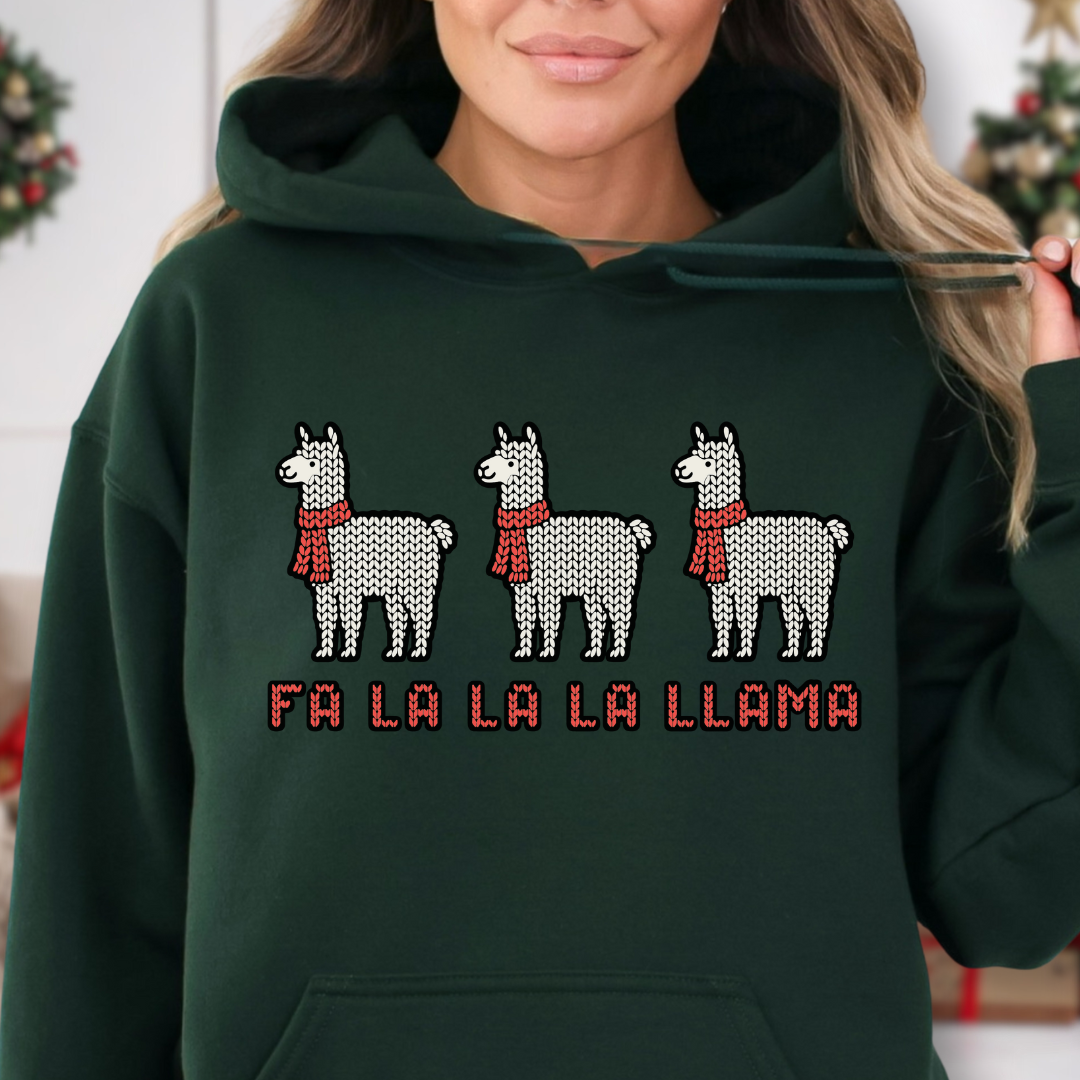
Whether you’re working in Cricut Design Space or Silhouette Studio, ugly sweater files are easy to personalize with names, quotes, or your favorite colors. Want a reindeer? Go for it. Prefer a llama in a scarf? Love that journey. Need something punny? Even better.
Download My Free File
👉 Sign up for my Community Vault below and get access to the Ugly Sweater designs (Design Number #204), plus hundreds more free SVGs. Please be patient if you are first signing up, the password should arrive in your email in 5-10 minutes. Please check spam and promotions. I send the password in every email.
Free Ugly Sweater SVG Round-Up
Below is the complete list of free designs from bloggers and designers. Please remember: each designer has their own licensing agreement, so check their personal use or commercial terms before selling products.
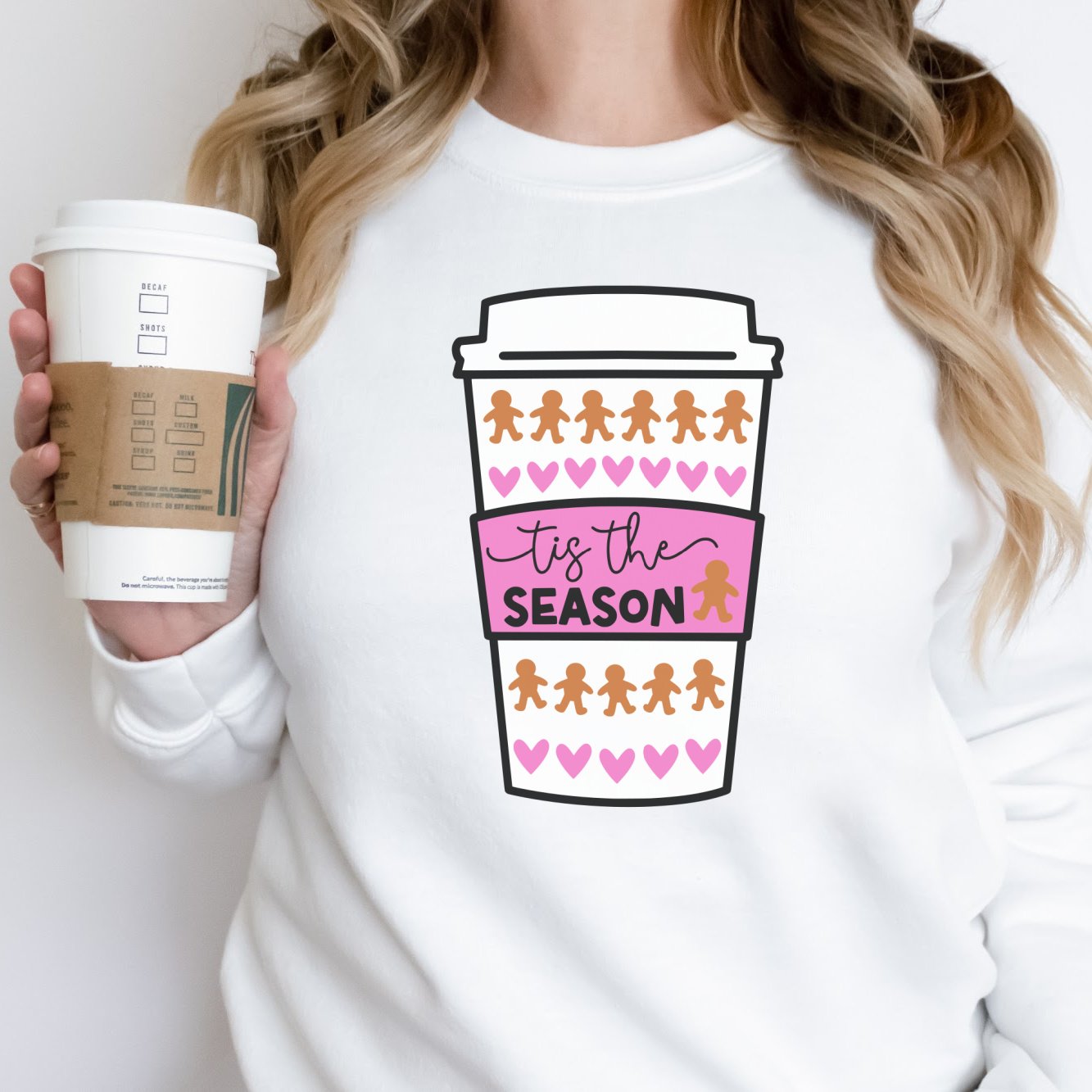
- Hello Creative Family – Coffee Cup SVG
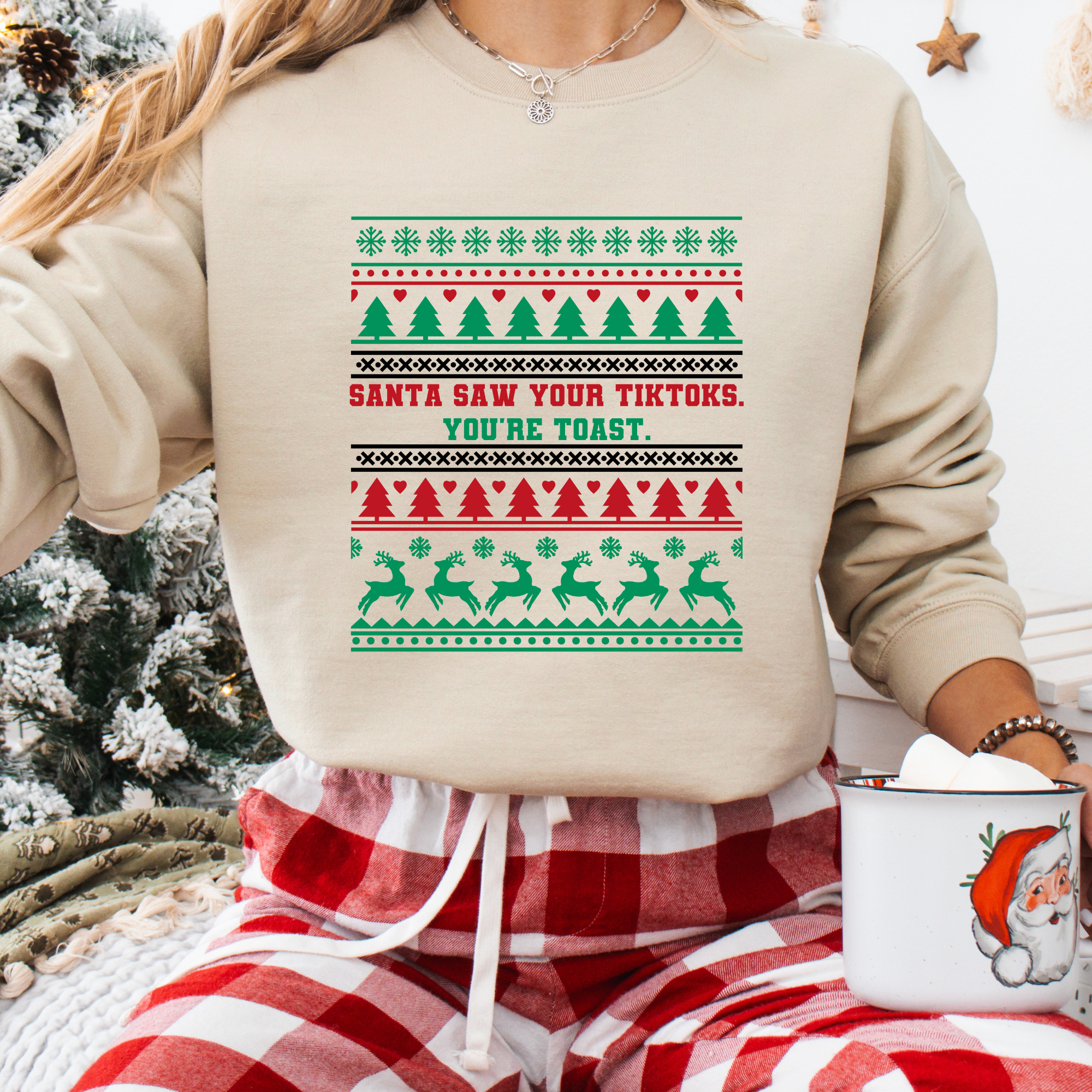
- The Girl Creative – Santa Saw Your TikToks
- Harper + Co – This is My Ugly Christmas Sweater

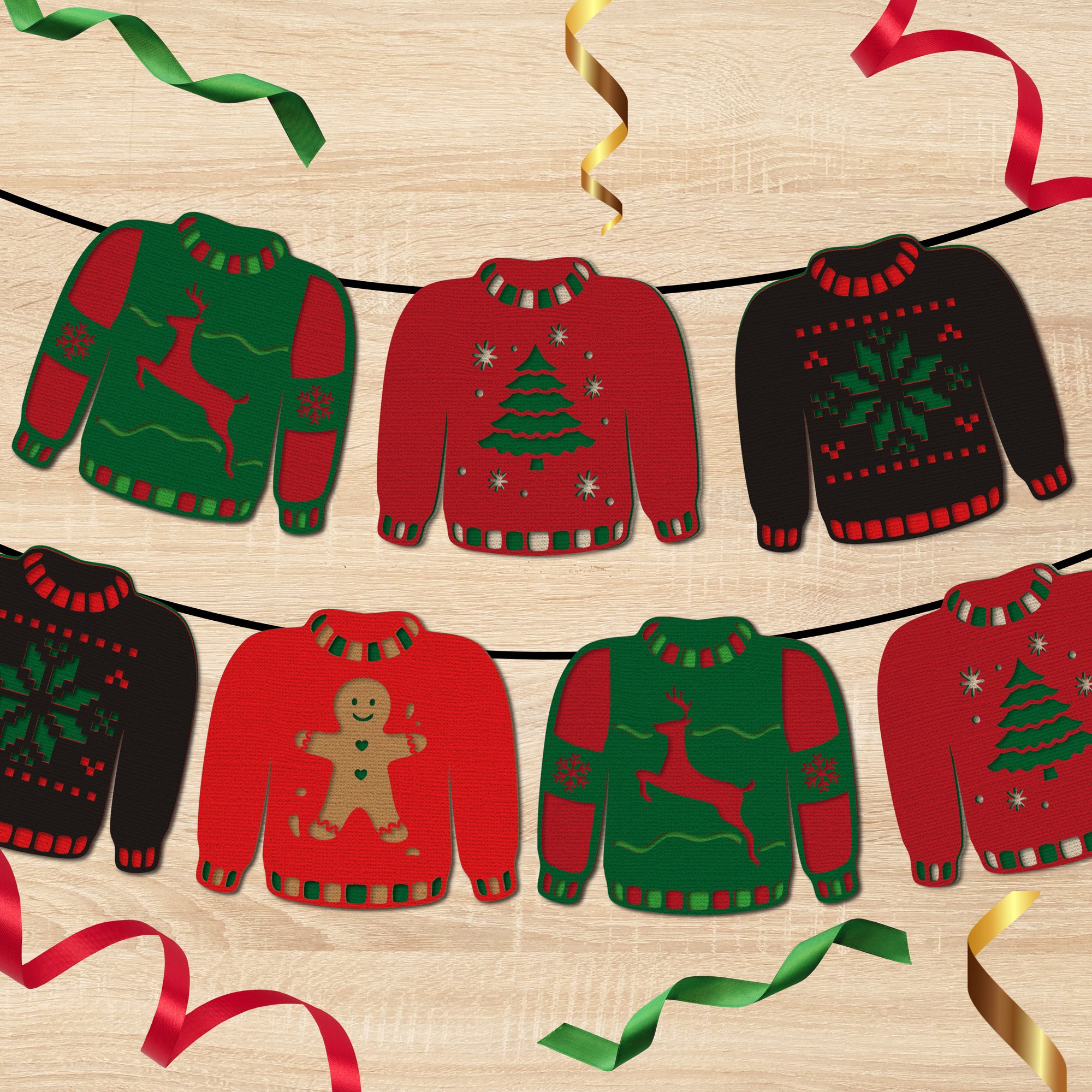
- Gina C. Creates – Ugly Sweater Garland
- Try It – Like It – Create It – Hot Cocoa and Ugly Sweater Season

- The Quiet Grove – Fa La Llama
- Kiy’s Craftroom – Sleigh

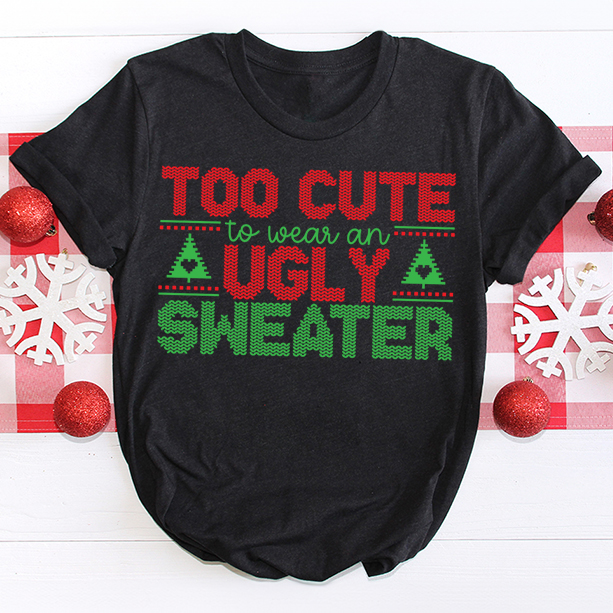
- Artsy-Fartsy Mama – Too Cute
- Sunshine & Munchkins – Not Ugly, It’s Festive

- Main Road Digital Creations – Jingle Bells and Bad Decisions

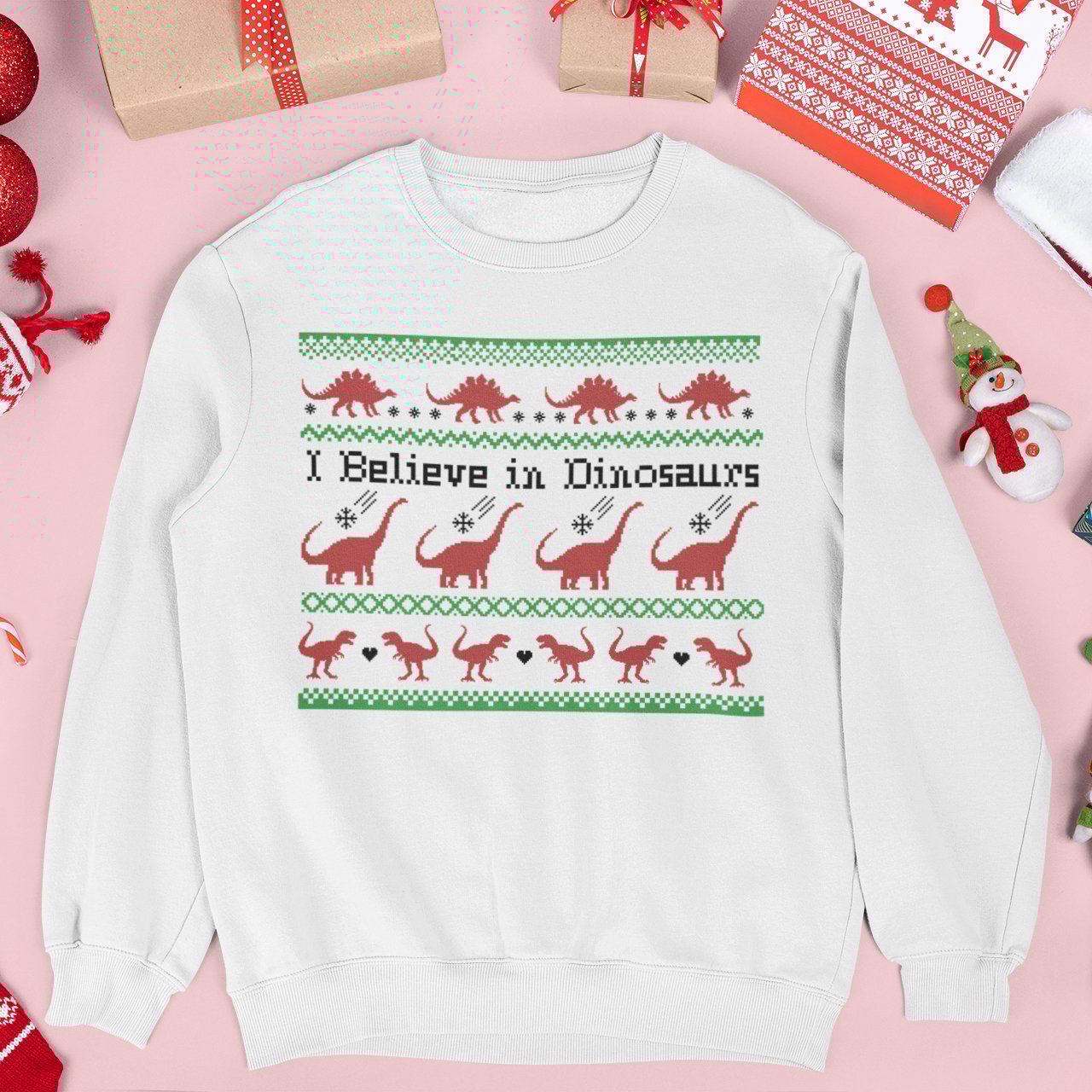
- Tried & True Creative – Dinosaurs!
Most of the files in this list are perfect for classic layered t-shirt printing, sweatshirt iron-ons, laser engraving, or vinyl decals. You can also use some of these for winter activities, party favors, greeting cards, and themed décor during the holiday season.
No matter who you download from, always double-check the licensing agreement. Most allow personal use for shirts, ornaments, or seasonal celebration crafts, but selling finished products may require a paid license.
Final Thoughts
This Ugly Christmas Sweater SVG Free roundup is proof that crafters are some of the most creative people on the internet. Whether you’re making shirts for a themed party, matching sweaters for family photos, or Cricut design space gifts for friends, there’s a file in this list for everyone. And if you’re ready to make your own sweater design, don’t forget to watch the video above for step-by-step help.


