
Which Cricut Should I Get? Find The Best Machine in 2025


If you’ve been thinking about joining the Cricut world (or upgrading your old machine), right now (end of 2025) is a great time to do it. Cricut has released several models in the past few years: from compact, budget-friendly options to powerhouse machines.

Whether you’re a beginner who wants to make greeting cards or a serious crafter running a small business, this guide will help you choose the right Cricut machine for your needs, budget, and craft space.
Where to Buy Your Machines
- Cricut.com: Always the first place to check. Cricut’s website lists every current and refurbished model, plus bundle options and occasional Cricut Access promotions. I’m not a huge fan of Cricut Access personally, but bundles can still be a good value.
- Michaels: Perfect if you love exclusive colors. For example, the Explore 4 in Sage is only sold there.
- Hobby Lobby: Limited machine selection but good for occasional sales.
- Amazon: their official Amazon storefront carries nearly everything you’ll find on Cricut.com — minus refurbished units.
Affiliate disclosure: This post may contain affiliate links. If you purchase through them, I may earn a small commission at no extra cost to you. Thank you for supporting my craft room!
Cricut Explore Family
Cricut Explore Air 2 (Refurbished Favorite)
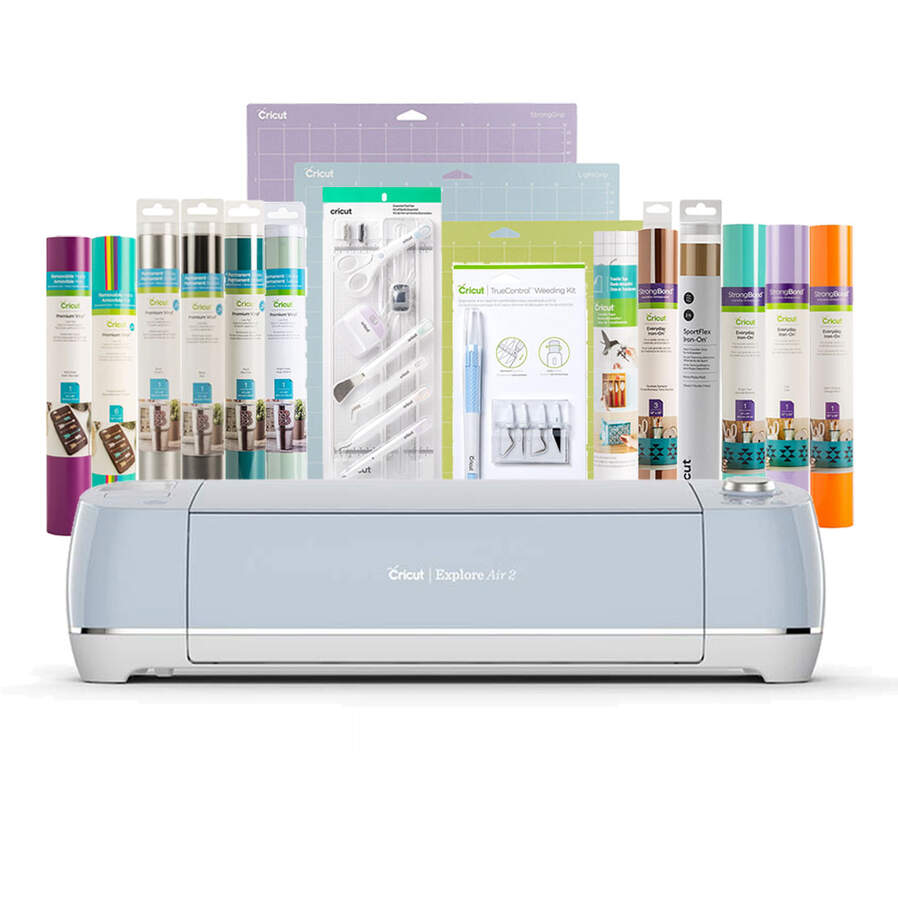
If I were starting over today, I’d pick the Explore Air 2. It’s an incredible value, especially if you grab a refurbished one directly from Cricut’s website. Priced around $149 (subject to change), it’s a great machine for beginners or budget-minded crafters.
- Key Features:
- Works with a cutting mat up to 12″ x 24″
- Uses the fine-point blade for most materials
- Compatible with Cricut pens and scoring stylus
- Cuts over 100 different materials, from paper to vinyl
The biggest difference between the Explore Air 2 and the newer Explore 3 is speed and the addition of smart materials. Smart materials allow you to make long cuts without using a mat, but honestly, if you’re just getting started, you can tape two mats together for the same result!
This machine, in my opinion, remains one of the best Cricut machines for casual crafters who love smaller projects, greeting cards, or paper crafts.
Cricut Explore 3
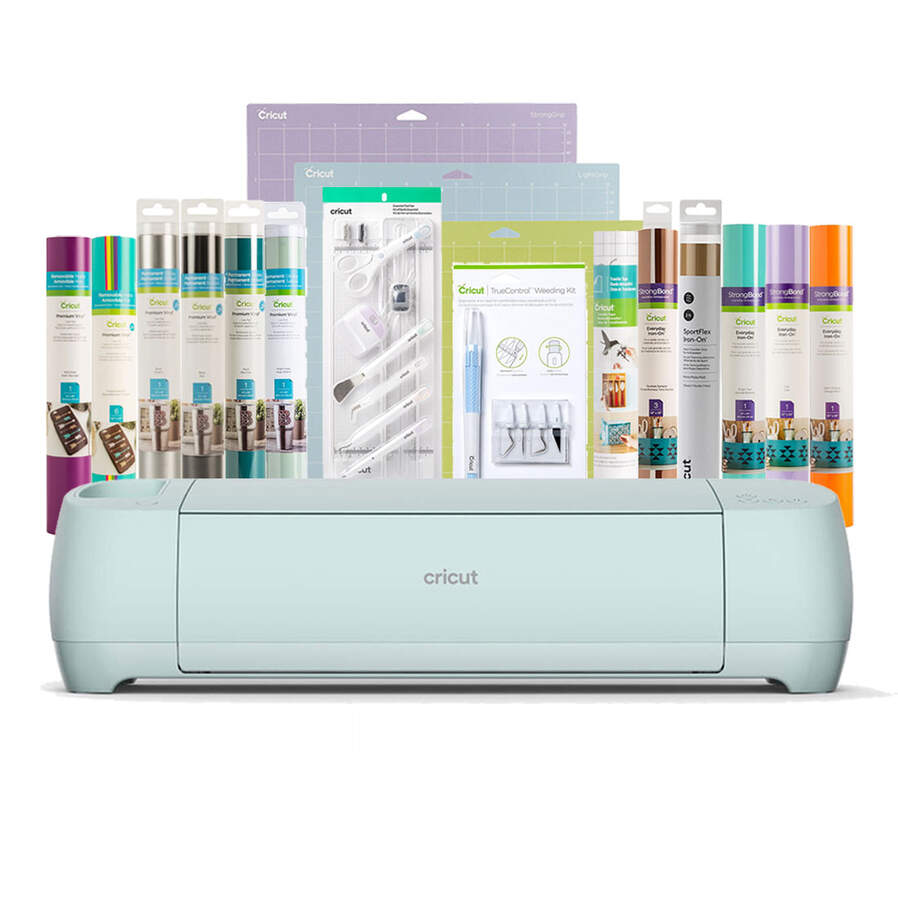
The Explore 3 takes everything great about the Air 2 and adds fast mode and smart material compatibility.
It’s also compatible with most Design Space tools and accessories like pens, the scoring stylus, and the foil transfer kit. However, you can’t use advanced tools like the knife blade or rotary blade: those are reserved for the Maker line.
If you regularly work with smart vinyl or need to make long cuts for decals, this is an amazing mid-range option. It’s a perfect cutting machine for those who want more flexibility without the higher price tag of the Maker series.
Cricut Maker Series
Cricut Maker (Original)
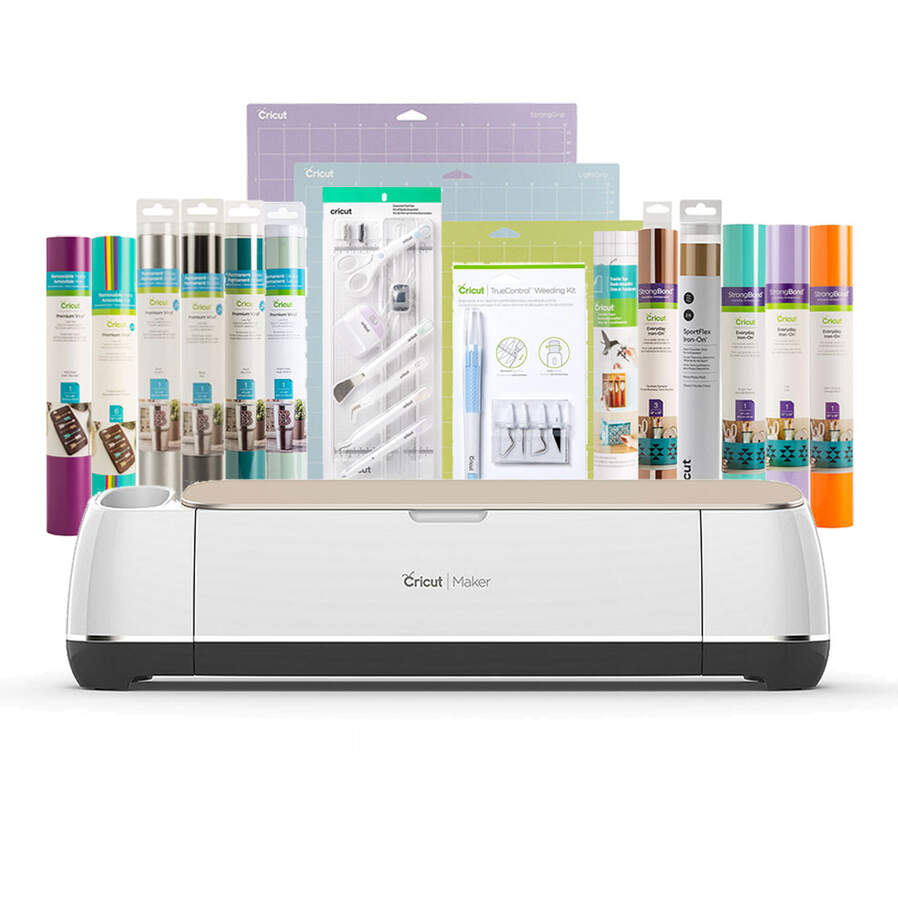
The original Maker opened up a whole new world for crafters. It’s compatible with a wide variety of materials, from balsa wood and chipboard to fabric, leather, and more.
The Maker introduced the Adaptive Tool System, which lets you use different blades and tools including:
- Rotary blade – perfect for fabric
- Knife blade – cuts thicker materials like wood
- Scoring wheel – creates clean fold lines
- Debossing and engraving tips
If you love trying out new various materials or want to make 3D projects, the original Maker is a great machine that still holds up beautifully today.
Cricut Maker 3
The Maker 3 is similar to the original, but faster and compatible with smart materials. That means you can skip the cutting mat entirely for longer projects, and cut up to 12 feet in one go!
It’s one of the best things Cricut has released for multi-material crafters. The Maker 3 handles thicker materials like basswood and chipboard while giving you precise cuts thanks to the fine point blade and adaptive tool system.
If you’re running a small business and cutting in bulk, or you sell projects online, this is a serious crafter’s dream machine.
Cricut Maker 4
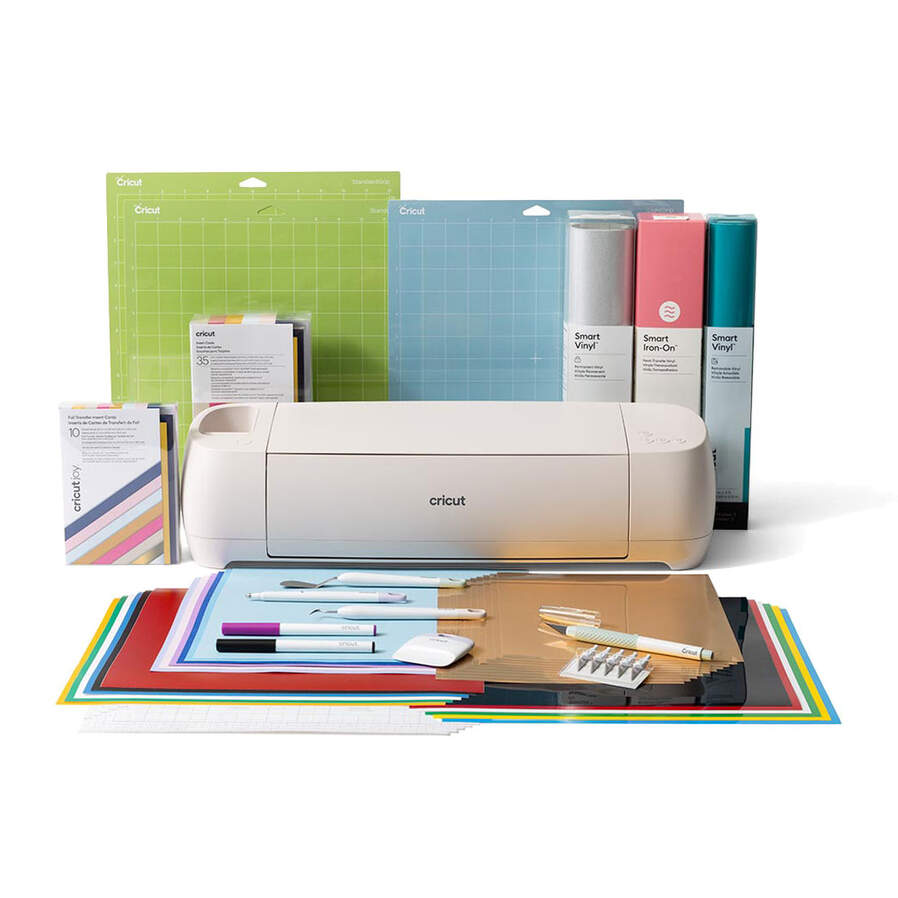
The newest addition to Cricut’s lineup is the Maker 4: their 2025 flagship.
At first glance, I wasn’t sure it would be worth the upgrade since it mainly boasts faster cutting speeds, but after testing it in my own craft room, I was pleasantly surprised. The performance is smoother and it handles different materials effortlessly.
- Compatible with every Cricut blade and tool
- Uses smart materials for mat-free long cuts
- Delivers incredibly precise cuts at record speed
If you want the best Cricut machine available in 2025 and have the budget, the Maker 4 is the one to beat. It’s a new machine designed for seasoned crafters who need professional-quality results.
⚖️ Explore 3 vs. Maker 4 Quick Comparison
| Feature | Explore 3 | Maker 4 |
|---|---|---|
| Price Range | $$ | $$$$ |
| Smart Materials | ✅ | ✅ |
| Rotary Blade | ❌ | ✅ |
| Knife Blade | ❌ | ✅ |
| Fast Mode | ✅ | ✅ (faster) |
| Material Types | 100+ | 300+ |
| Adaptive Tool System | ❌ | ✅ |
If you’re mainly working with vinyl and paper, stick with the Explore 3. If you want to dive into balsa wood, leather, or engraving, go with the Maker 4.
Cricut Joy Machines
Cricut Joy
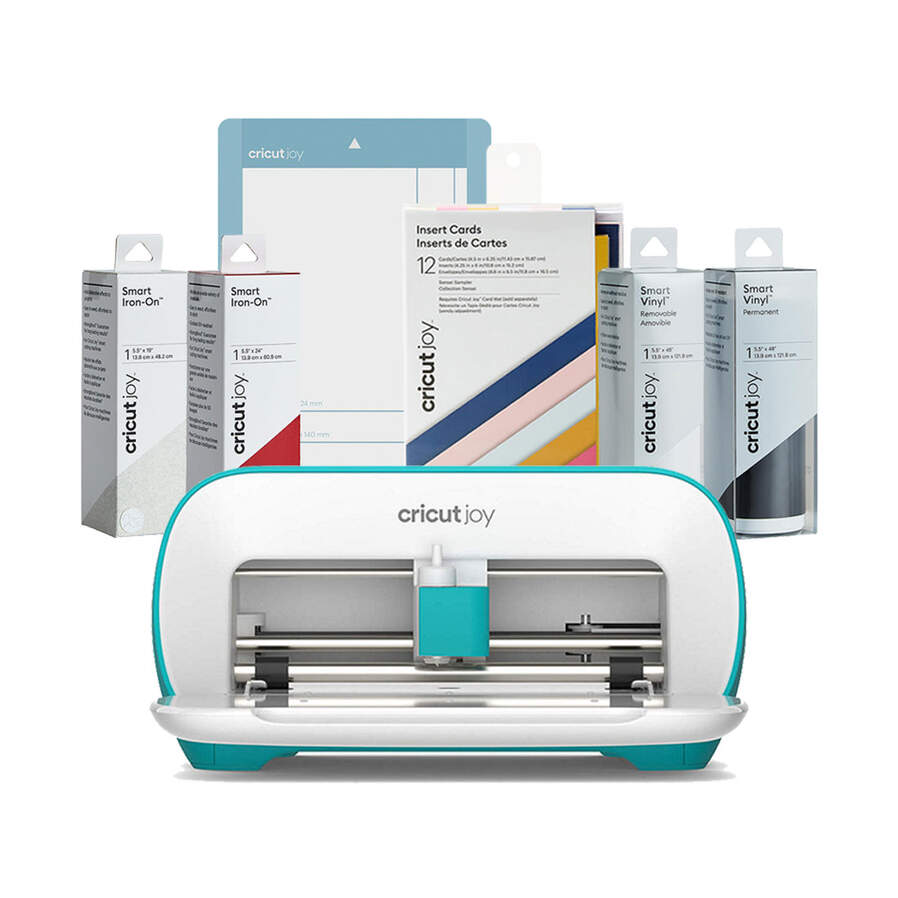
The original Joy is tiny but mighty. It’s an electronic cutting machine that’s perfect for smaller projects, greeting cards, and quick vinyl decals.
This machine uses a special card mat for its insert cards, which makes creating custom cards ridiculously easy. It’s also a great choice for crafters who live in small spaces or just want something portable.
The downsides?
- No Print Then Cut feature
- Limited cutting width
- Not compatible with advanced blades
Still, for around $79 refurbished, it’s one of the best Cricut machines for first-time crafters.
Cricut Joy Xtra
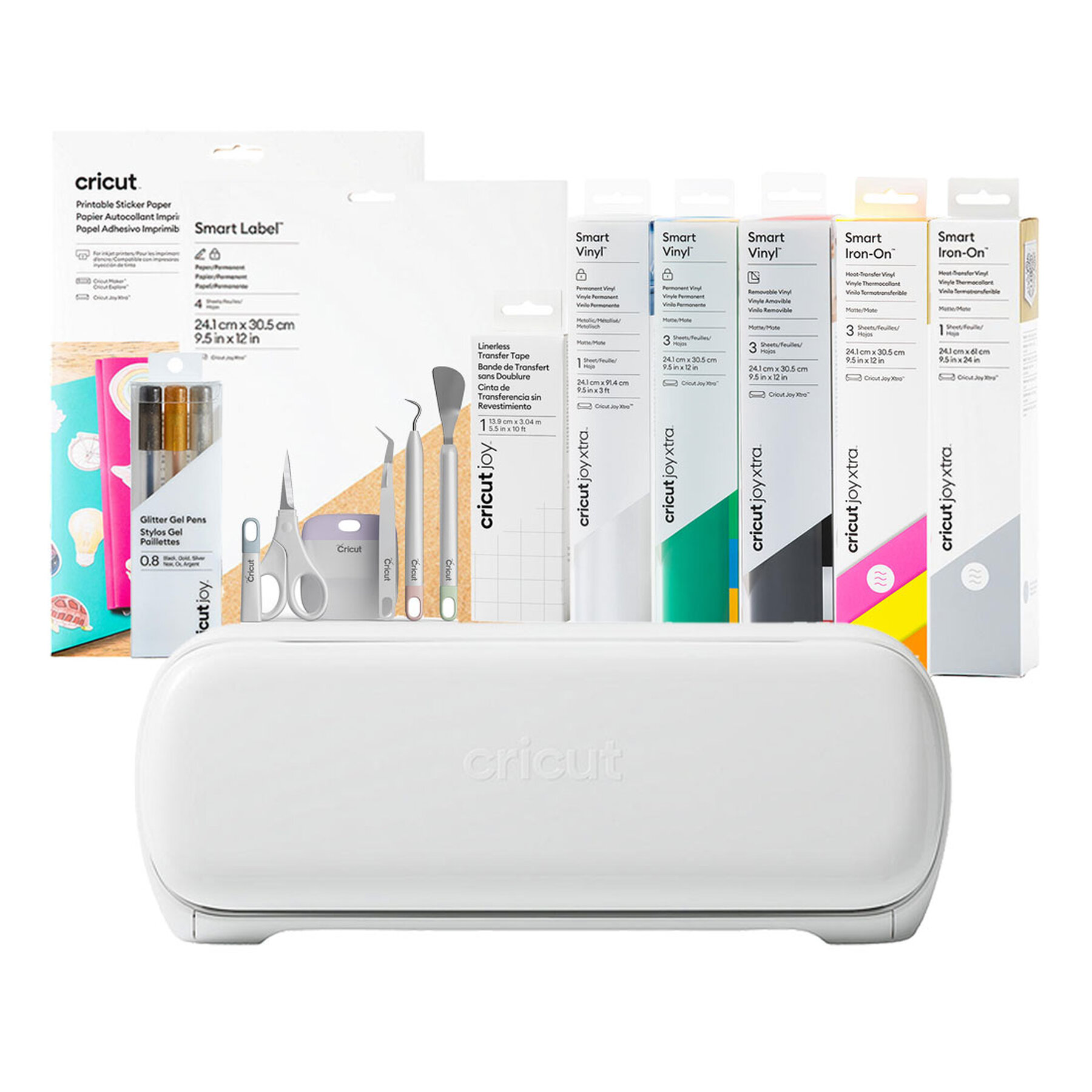
If you like the idea of a Joy but want to print and cut stickers, the Joy Xtra is a perfect upgrade.
It does everything the Joy does, plus full Print Then Cut capability. You can make stickers, custom labels, and small-scale HTV designs without needing a full-sized machine.
This compact model is ideal for those who want to craft on the go or have limited space in their craft room.
If you’re torn between the Cricut Joy Xtra and Explore Air 2, I personally lean toward the Explore because you get larger projects for nearly the same price; but the Joy Xtra wins for ease and portability.
Cricut Venture
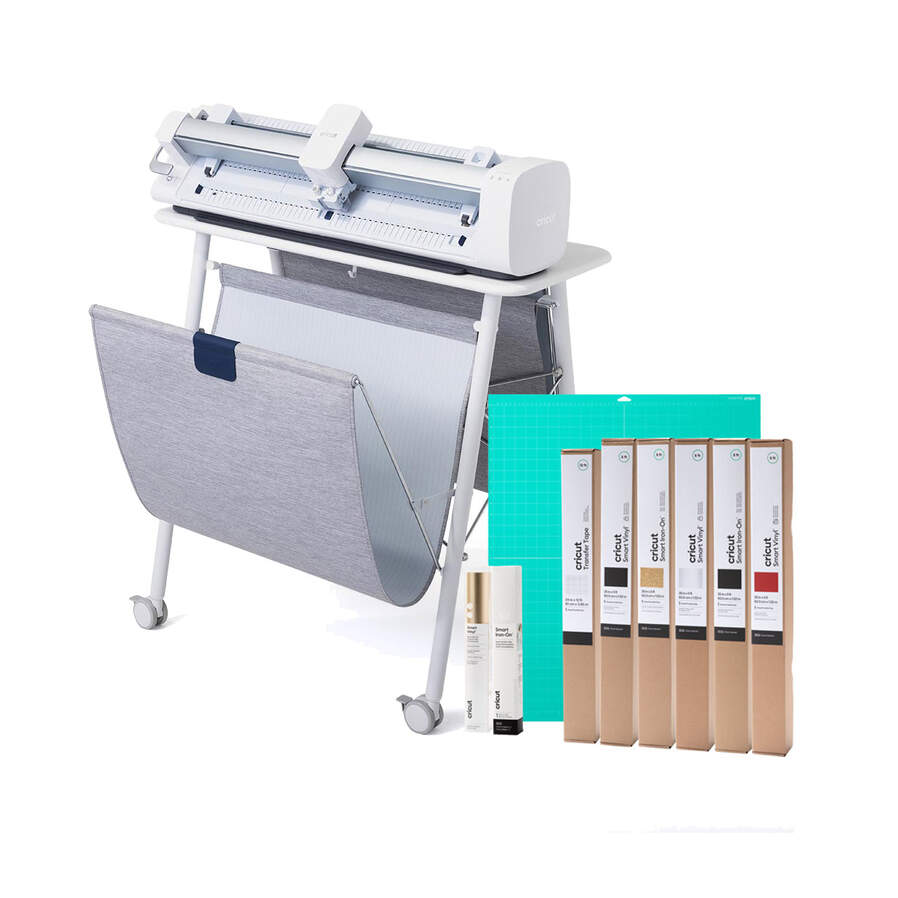
The Venture is Cricut’s large-format, professional-grade cutter.
It uses a 24-inch cutting mat and is designed for people who need to create larger projects or long runs of smart vinyl for commercial use.
It’s not necessary for hobby crafters, but if you sell decals, wall art, or signage, the Venture can handle long cuts and fast production.
Think of it as Cricut’s answer to the Silhouette Cameo Pro; powerful, precise, and built for volume. If that’s you, this is the right machine.
Understanding Cricut Blades and Tools
Before deciding which Cricut to buy, it helps to know what different blades and tools each machine supports.
| Tool / Blade | Explore Air 2 | Joy/Joy Extra | Maker Series | Venture |
|---|---|---|---|---|
| Fine-Point Blade | ✅ | ✅ | ✅ | ✅ |
| Deep-Point Blade | ✅ | ✅ | ✅ | ✅ |
| Rotary Blade | ❌ | ❌ | ✅ | ❌ |
| Knife Blade | ❌ | ❌ | ✅ | ❌ |
| Scoring Stylus | ✅ | ✅ | ✅ | ✅ |
| Scoring Wheel | ❌ | ❌ | ✅ | ❌ |
| Foil Transfer Tool | ✅ | ✅ | ✅ | ✅ |
| Pens | ✅ | ✅ | ✅ | ✅ |
If you want maximum flexibility for various materials and design elements, the Maker 4 wins again thanks to its adaptive tool system.
Speed and Smart Materials
Speed might not sound important until you’ve cut 40 vinyl decals in a row. That’s where Cricut’s fast mode and smart materials really shine.
- Fast Mode: it can double your cutting speed on certain materials.
- Smart Materials: Let you cut longer projects without a cutting mat, ideal for banners, decals, and bulk orders.
If you’re starting a small business, these time-savers can make a huge difference.
Materials You Can Cut
Cricut machines can handle a wide variety of materials, depending on the model:
- Explore Series: Paper, cardstock, smart vinyl, HTV, light chipboard
- Maker Series: Adds balsa wood, fabric, leather, felt, and more
- Joy Machines: Vinyl, HTV, cardstock, and smaller-scale materials
- Venture: Large-scale vinyl, banners, and posters
While the knife blade can cut thicker materials, it requires patience. If you plan to do a lot of wood projects, a small laser cutter might actually save you time.
Which Cricut Should I Get? Quick Guide
| Crafter Type | Recommended Machine | Why |
|---|---|---|
| Beginner | Cricut Explore Air 2 (Refurbished) | Affordable, easy to learn, works with hundreds of materials |
| Intermediate | Cricut Explore 3 | Fast Mode + Smart Materials |
| Advanced | Cricut Maker 3 or 4 | Cuts hundreds of materials, uses specialty tools |
| Space-Saver | Cricut Joy Xtra | Portable, now supports Print Then Cut |
| Small Business | Cricut Maker 4 | Professional speed and precision |
| Large-Format Production | Cricut Venture | Perfect for banners and signs |
How to Decide on the Right Cricut Machine
When choosing your first machine (or your next upgrade), ask yourself:
- What kind of projects do I want to make?
- Do I plan to work with thicker materials or just vinyl and paper?
- How much space do I have in my craft room?
- Do I want fast cutting speeds and smart materials support?
- What’s my budget?
If you want to create Cricut crafts like paper flowers, cards, or decals, the Explore Series is more than enough. But if you dream of cutting balsa wood or engraving acrylic, the Maker Series gives you those advanced options.
Frequently Asked Questions
1. What is the biggest difference between Cricut Explore and Cricut Maker?
The Maker line supports more tools (like the knife blade, rotary blade, and scoring wheel) and can handle thicker materials. The Explore is slightly faster for basic vinyl and paper.
2. What’s new about the Cricut Maker 4?
The Maker 4 offers faster speeds, better smart material handling, and a smoother interface with the Design Space app.
3. Is the Cricut Joy Xtra worth it?
Yes, if you want Print Then Cut capabilities without the footprint of a larger machine. It’s perfect for smaller projects and quick sticker making.
4. Can I still buy older models like the Explore Air 2?
Yes! You can find refurbished machines on Cricut’s website, and they include a limited warranty.
5. Is the Cricut Venture too big for a home crafter?
Probably. It’s built for large projects and commercial use, not for small craft tables.
Final Thoughts: Which Cricut Should I Get in 2025?
So, which Cricut should you get?
If you’re just starting out, go with the Cricut Explore Air 2: it’s budget-friendly and versatile.
If you’re ready to tackle bigger projects and experiment with different materials, the Cricut Maker 4 is hands-down the most powerful and precise option on the market.
No matter which you choose, you’ll be able to create stunning Cricut crafts — from personalized gifts to small business products — all from the comfort of your craft room.
And if you’re looking for free SVG files to test your new machine, join my Community Vault; it’s packed with hundreds of designs for every season and project idea.
Happy crafting, and as always, stay crafty!


